


BLACKMAGIC DESIGN Hyperdeck Studio HD Pro
BROADCAST PROSSSIONAL! RECORD AND PLAYBACK USING SD CARDS AND SSD MEDIA!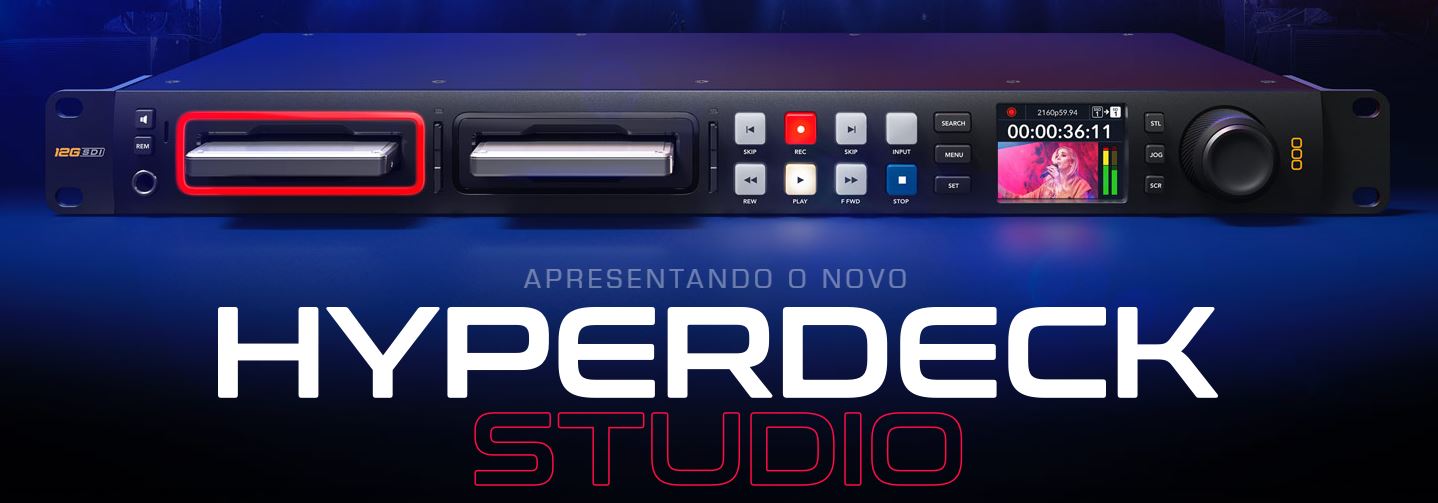
HyperDeck Studio lets you record Broadcast-quality video files directly to SD cards and SSD media! The new redesigned HyperDeck Studios features a modern design with more codecs and quieter cooling.
All models now support recording to H.264, Apple ProRes, or DNxHD files with PCM or AAC audio.
Plus, the 4K model adds support for H.265 files!
When the user is done recording, the media can be mounted on any computer to access the files using their favorite video software.
For ISO recording, there are even built-in timecode and reference generators to sync multiple units!
All of these powerful features make HyperDeck Studio perfect for broadcast, live production, or multi-screen digital signage!
ELEGANTLY DESIGNED FOR A PROFESSIONAL BROADCAST PRESENTATION!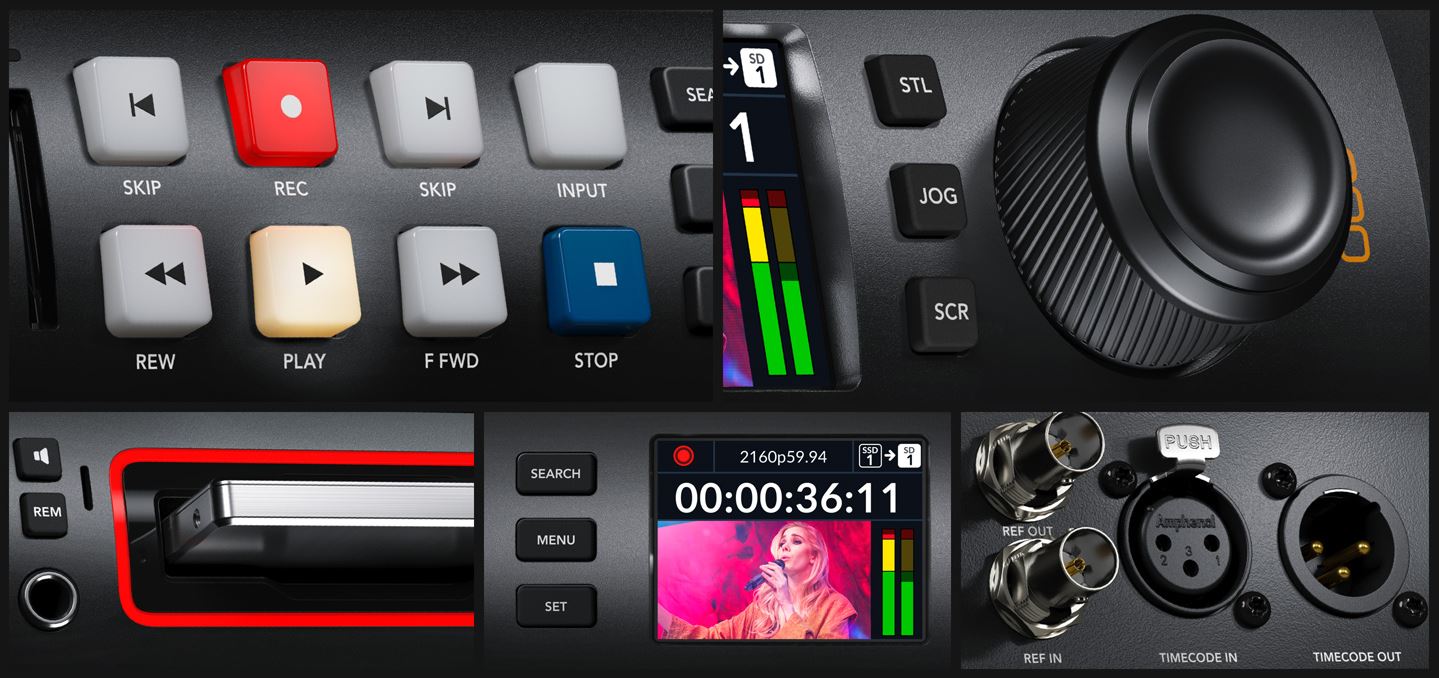
The new HyperDeck Studio recorders have been completely redesigned with dozens of new features!
Advanced models have new broadcast-type front panel controls and more rear panel connections. The LCD screen supports both light and dark modes, and the transport control buttons are stronger with a firm professional touch.
The Pro models feature a machined metal search dial with increased mass and a soft rubber surface that is pleasant to the touch.
In addition, the poll dial features an active clutch, just like a traditional transmission deck!
With dual media slots, you can switch cards without interrupting recording!
Advanced models even include a front headphone and speaker connection!
FOUR THUNDEROUS HYPERDECK MODELS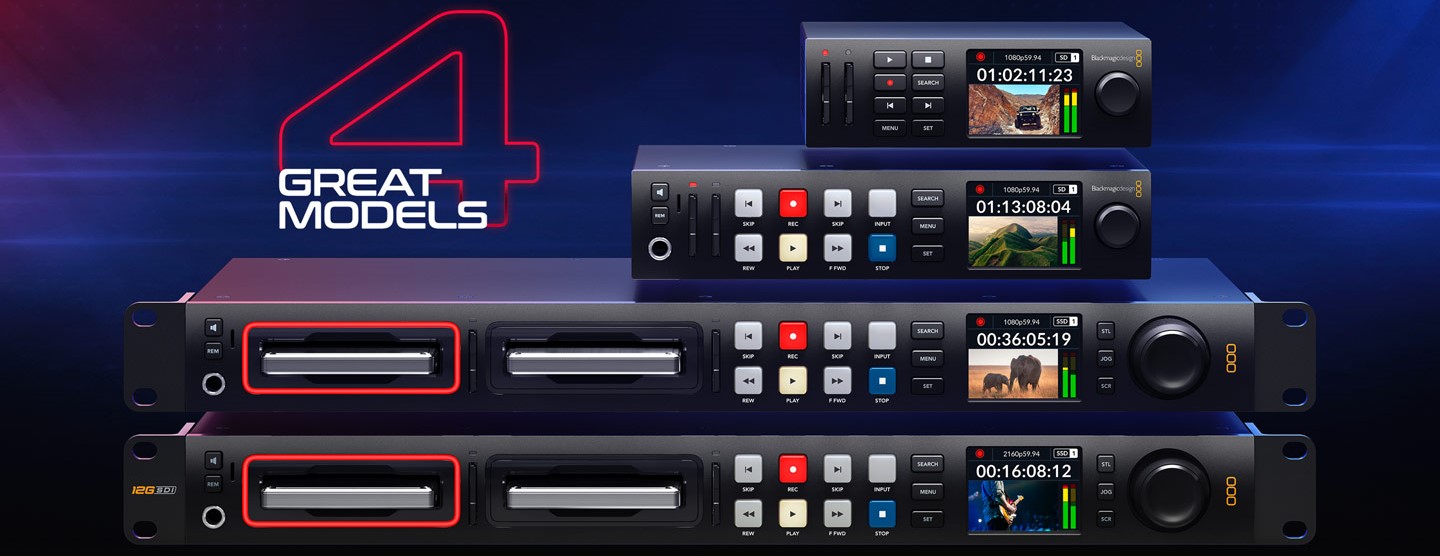
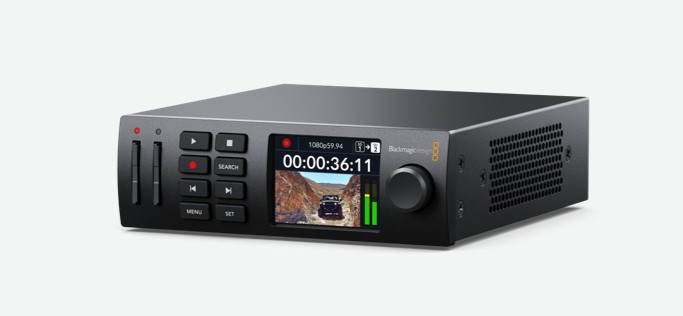
HyperDeck Studio HD Mini: The miniaturized deck writes H.264, ProRes, or DNxHD files to SD/UHS-II cards or external USB disks in SD/HD formats for 1080p60. Includes timecode and reference generators, 3G-SDI input/output, and HDMI output.
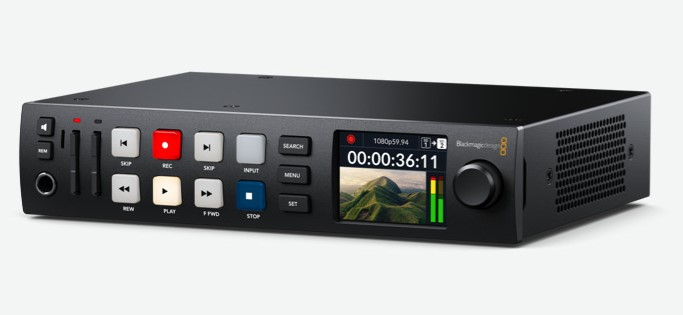
HyperDeck Studio HD Plus: It includes Mini model features and better transport, headphone and speaker controls on the front panel, 6G-SDI, and fill and type. Supports all codecs up to 1080p60 and ProRese DNxHD to 2160p30.
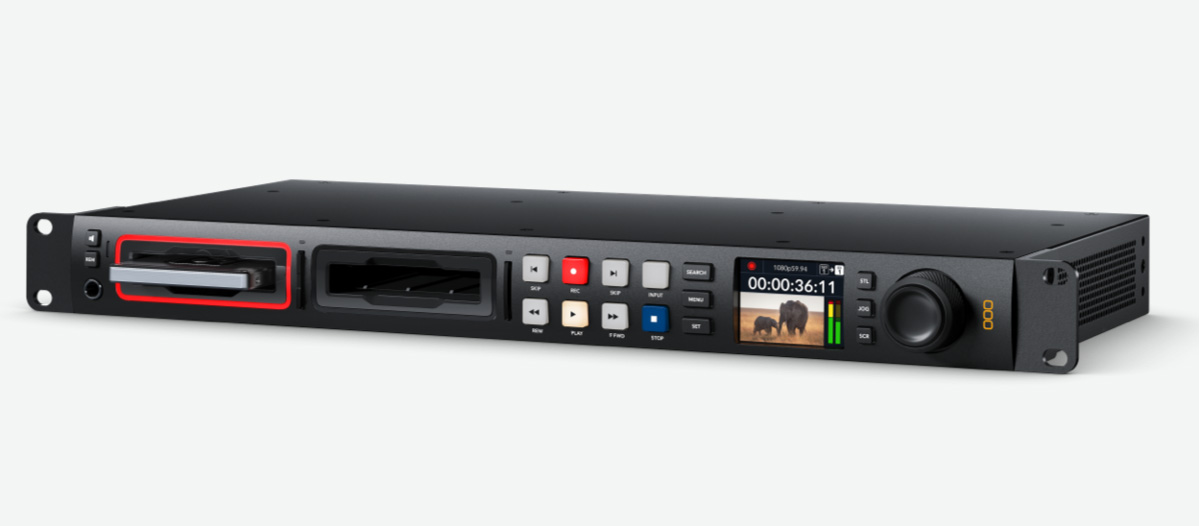
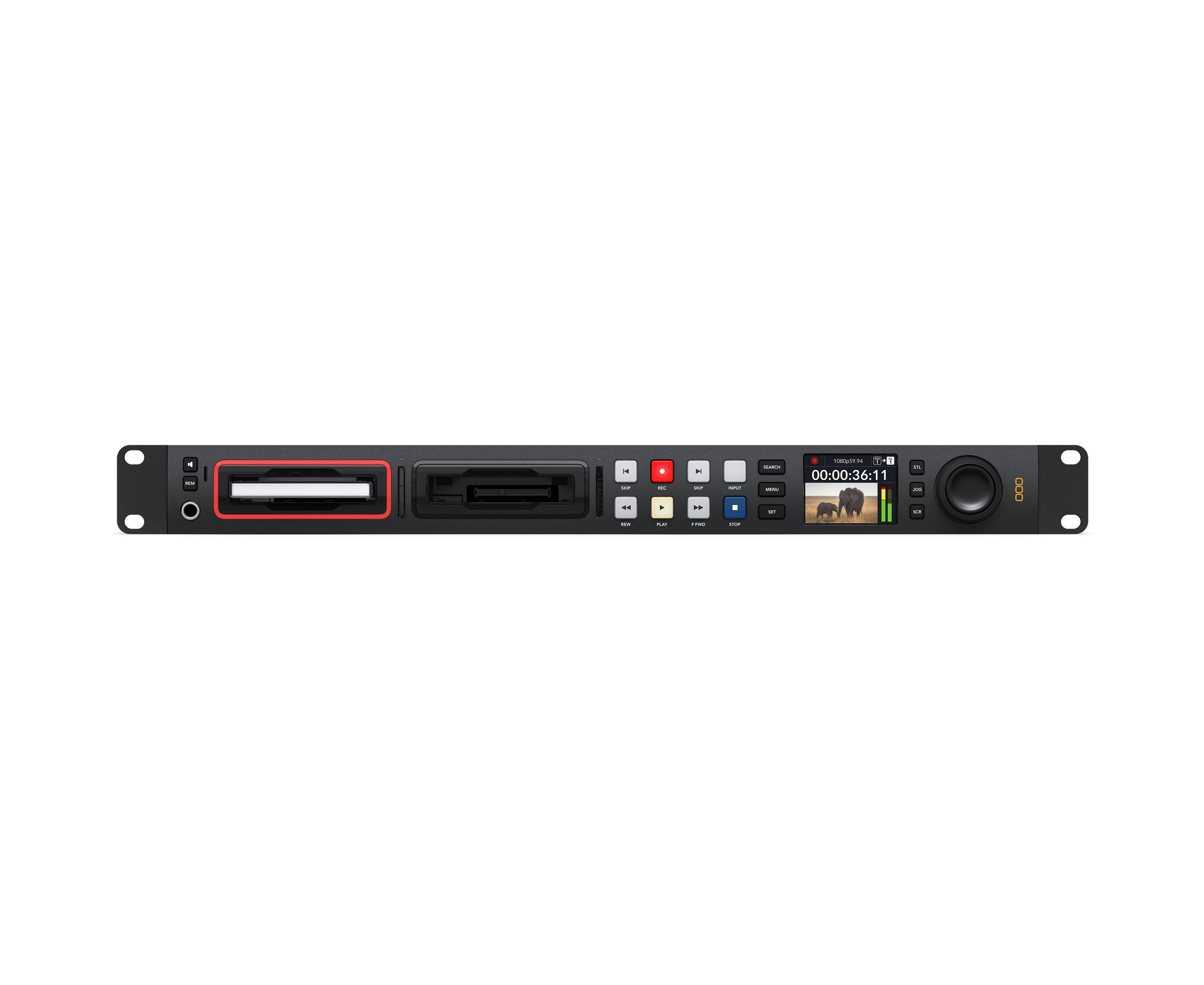
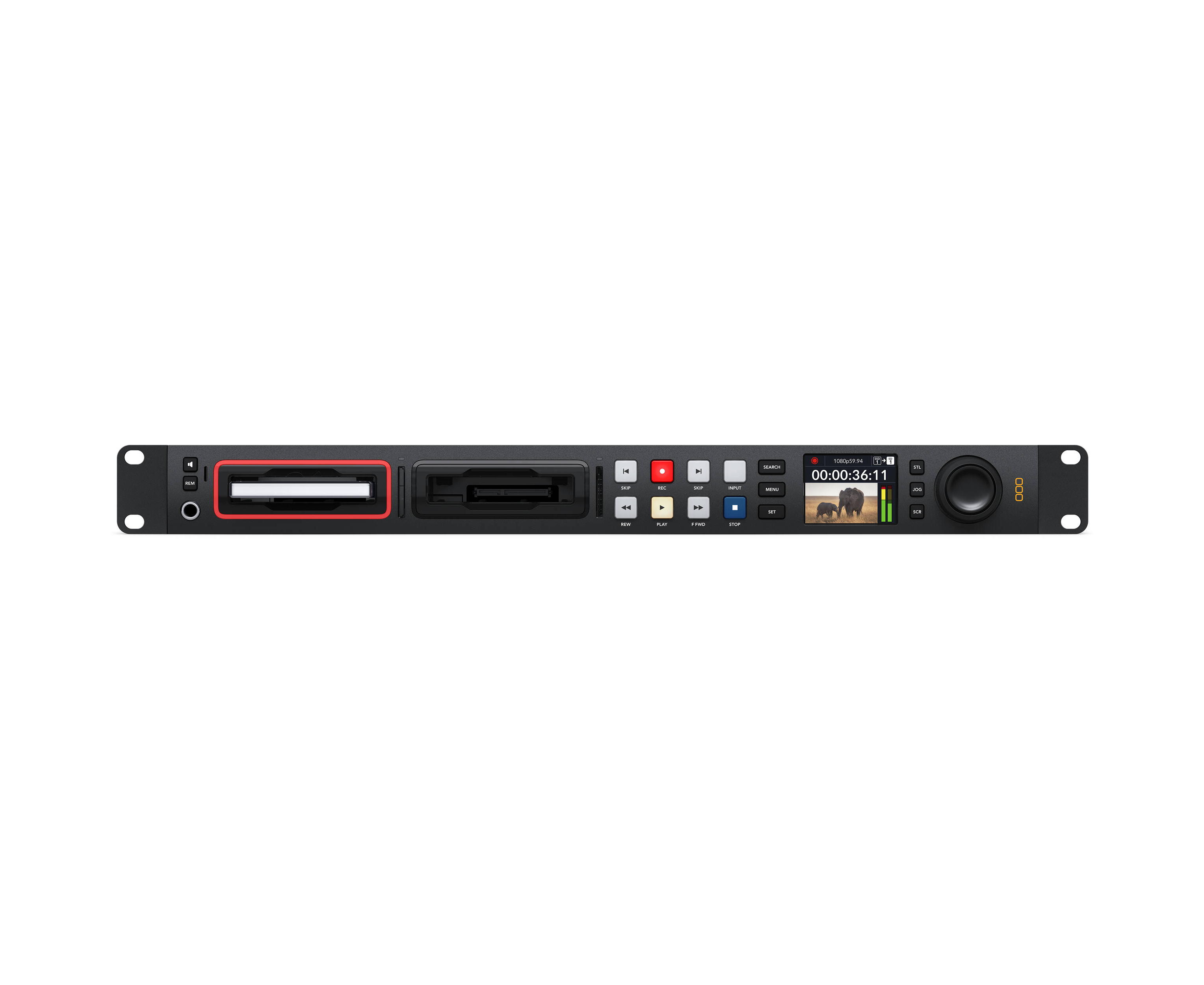
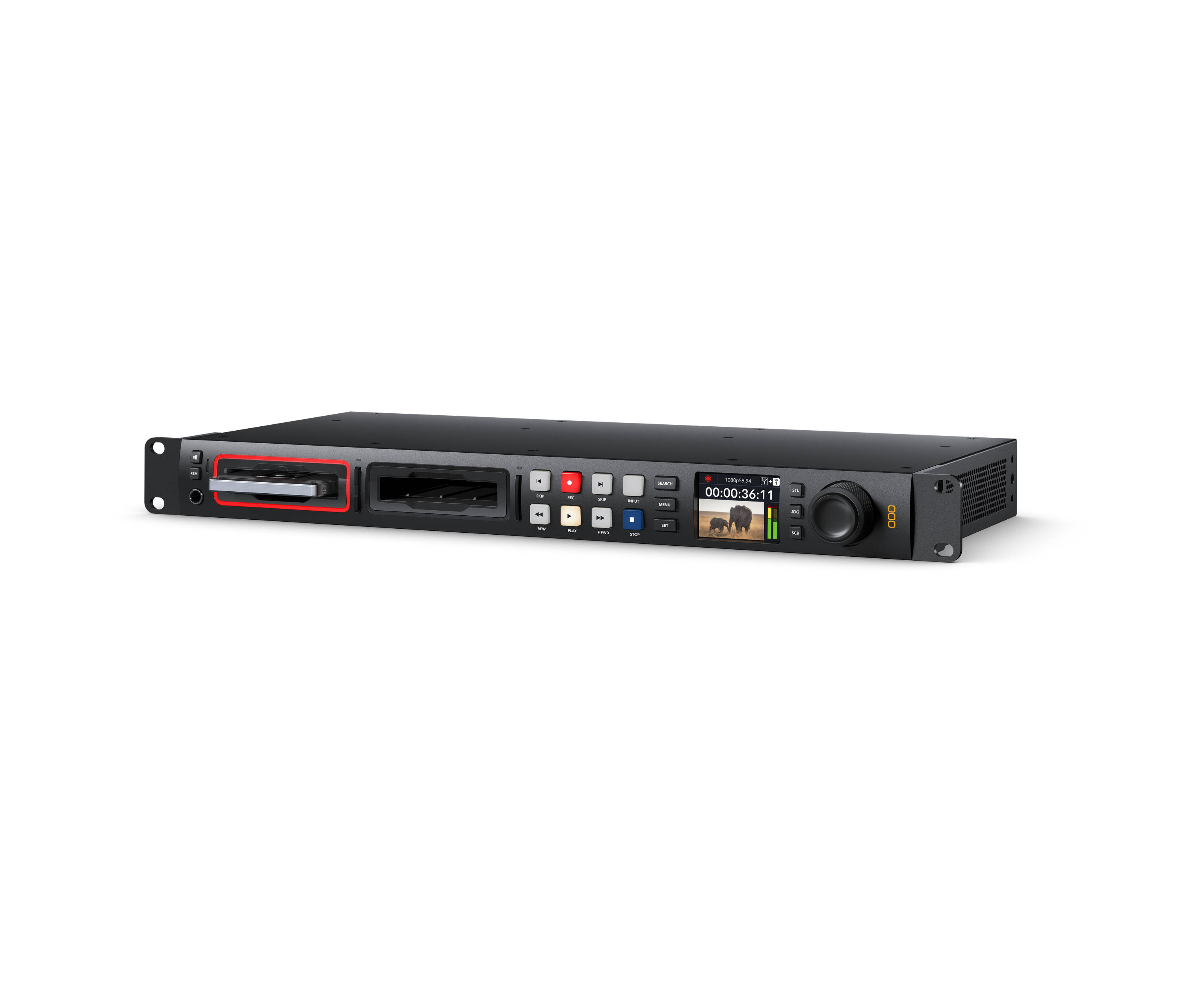
HyperDeck Studio HD Pro: It includes all the features of the Plus model and adds 2 SSD slots as well as the 2 SD card slots. It also includes machined metal search dial with clutch, SDI monitor and XLR timecode connections.
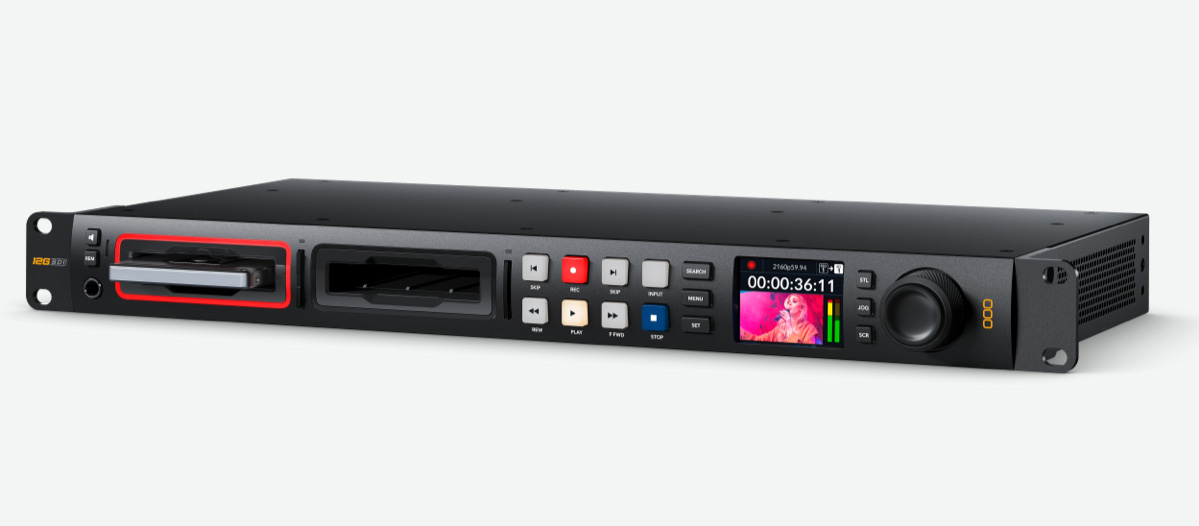
HyperDeck Studio 4K Pro: This extremely powerful Ultra HD model records and plays back H.264/5, ProRes and DNx files in all SD, HD and Ultra HD standards up to 2160p60. Records SD and HD in H.264 and Ultra HD in H.265.
PERFECT FOR LIVE STREAMING, STREAMING, AND ARCHIVING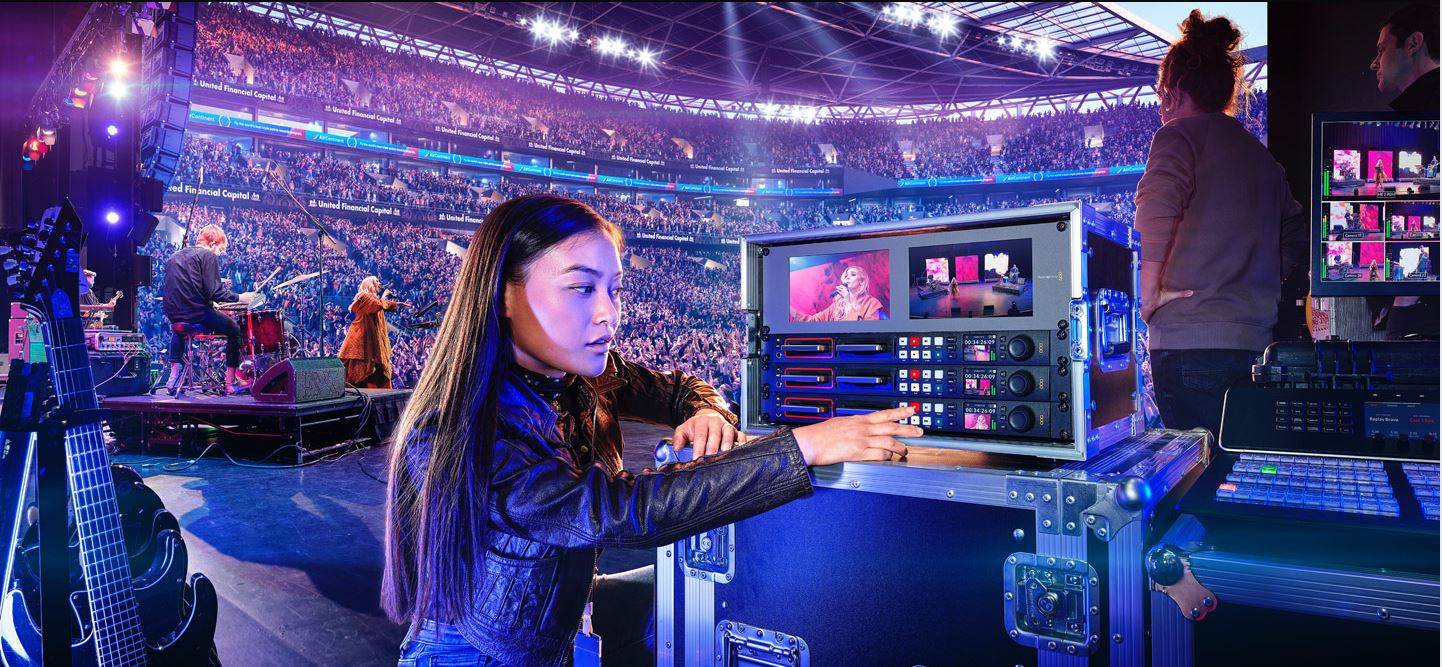
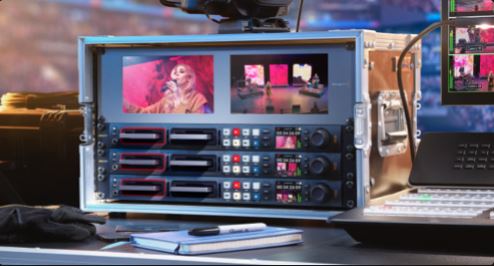
Mastering Recorder: All models record to H.264, ProRes, and DNx files, so they're perfect for recording broadcast masters! You can even use PCM or AAC audio, plus the 4K model adds H.265 when recording to Ultra HD files. It has everything you need to upload shows to broadcasters and to upload to YouTube.
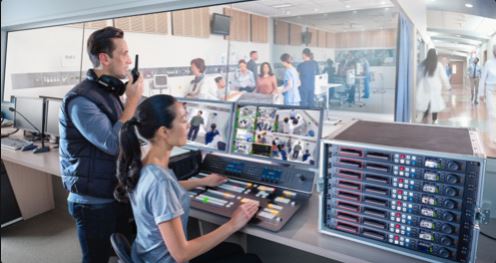
Recording THIS: All models feature timecode and reference generators, with outputs to loop to other HyperDecks. This means you can build a HyperDeck Studios rack for ISO camera recording, allowing for multi-camera editing after live events! It even allows you to sync cameras to the SDI output and the SDI input has a frame sync!

Digital Signature: HyperDeck Studio is perfect for digital signage, as all models have HDMI output for connecting to large-screen TVs and projectors. The built-in sync generator allows you to combine multiple HyperDecks for large video walls with multiple screens. There's even FTP for uploading files and a protocol for remote control!
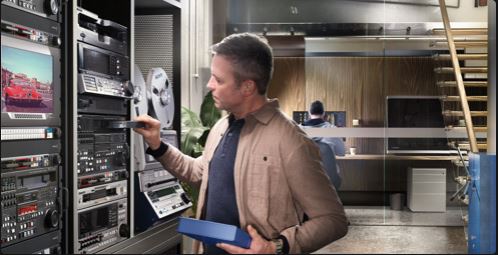
Broadcast File: HyperDeck Studio supports all SD and HD standards, so it's ideal for archiving old television shows from broadcast decks such as Digital Betacam, Betacam SP, 1", U-matic, and VHS. It also allows you to record directly in H.264 to maximize storage. Analog decks, just add a Mini Analog to SDI Converter!
BRIGHT COLOR LCD STATUS SCREEN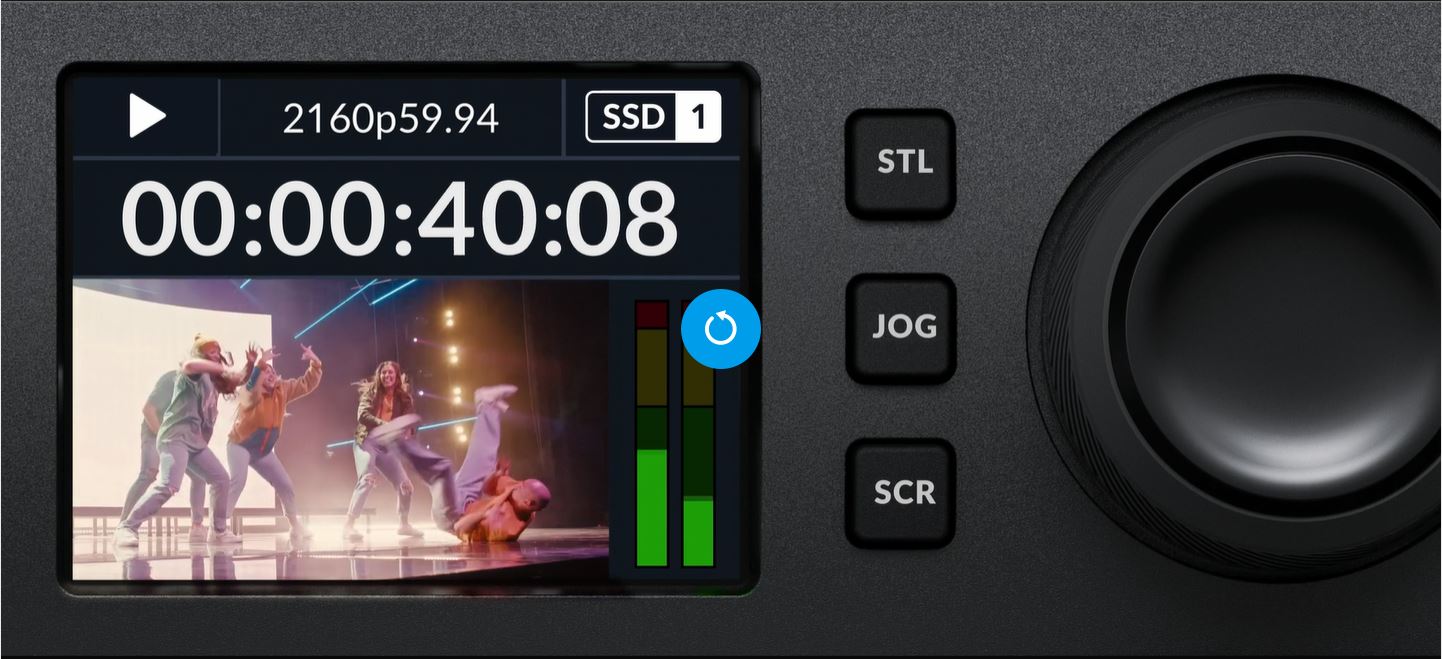
HyperDeck Studio features traditional deck-style transport controls, including a search dial for jog, shuttle, and scroll.
The compact LCD shows timecode and transport information, plus a full-color thumbnail preview of the current clip being recorded or playback.
It also displays information about the recording status of each card, along with the video format, frame rate information, and audio levels, all on the same display!
The LCD includes video monitoring, as well as audio level meters, selectable between technically accurate VU or PPM ballistics.
The combination of familiar VTR-style controls with the built-in LCD screen makes HyperDeck Studio incredibly quick to use and very easy to learn!
INTUITIVE TRADITIONAL CONTROL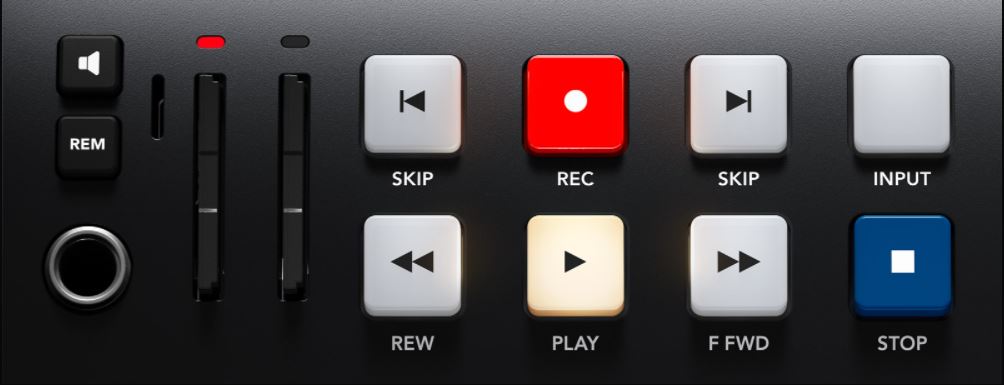
HyperDeck Studio includes a traditional broadcast-style control panel that is very quick to use.
Just press the record button and you immediately start recording the video input to a file!
You can also change the recording file format from the menu.
There are transport control buttons for playback, rewind, fast forward, previous clip, next clip, and more.
The Pro models have a machined metal search dial that supports shuttle, jog, and scroll so you can find clips quickly.
Any button pressed on the front panel is sent to the rear RS-422 remote output for loop control for multiple HyperDecks.
The Plus and Pro models also include a front-panel speaker and headphone jack for live audio monitoring.
SUPPORTS SD CARDS, UHS-II CARDS, OR SSDS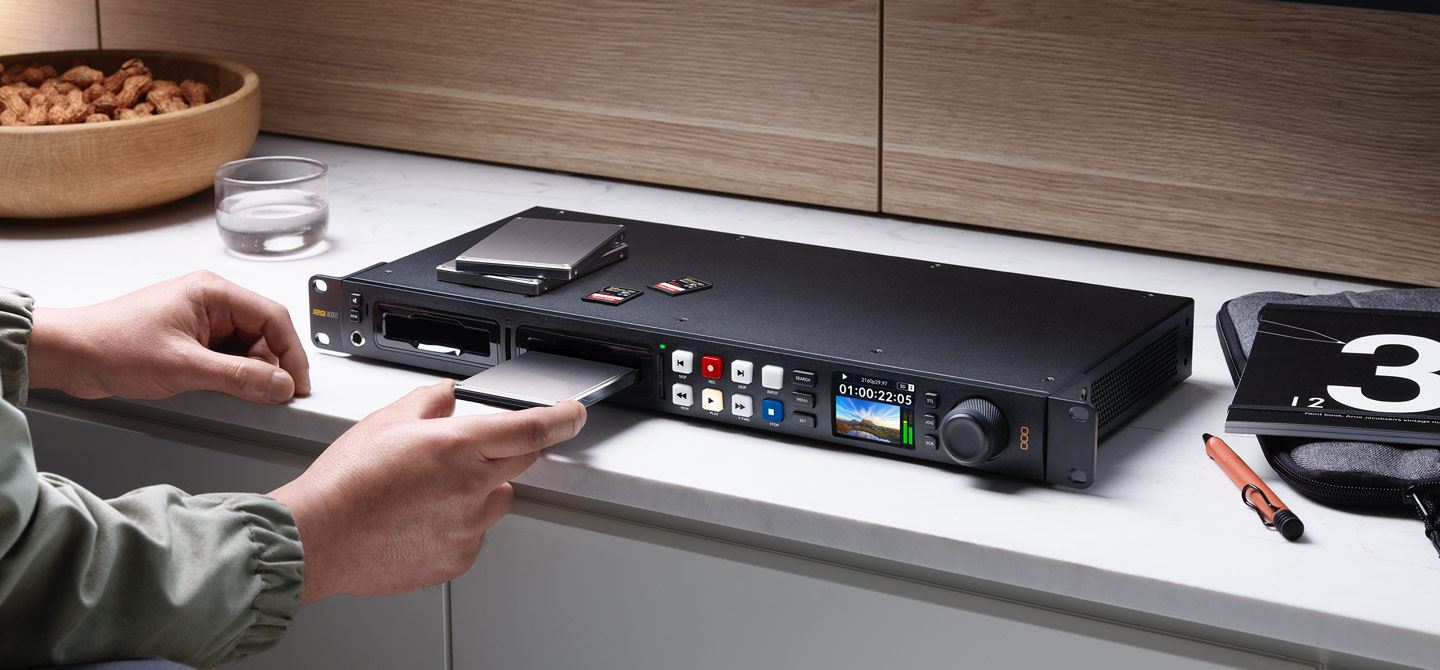
All HyperDeck Studio models support recording on common SD cards and UHS-II cards so you don't need expensive custom media.
However, the Pro models also add two SSD slots so you can use two different types of media!
SD cards and SSDs are the perfect choice for broadcast media because they are small and very affordable.
When using H.264, the files are so incredibly small that you get very long recordings, even on smaller, low-end cards.
Plus, you can even burn to external USB disks!
With H.265, you can record up to 58 hours in 2160p60 Ultra HD or up to 157 hours of H.264 recording in 1080p59.94 on a 1TB card.
That's over 6 days of HD recording using a single 1TB card!
WRITE TO EXTERNAL DISK VIA USB-C
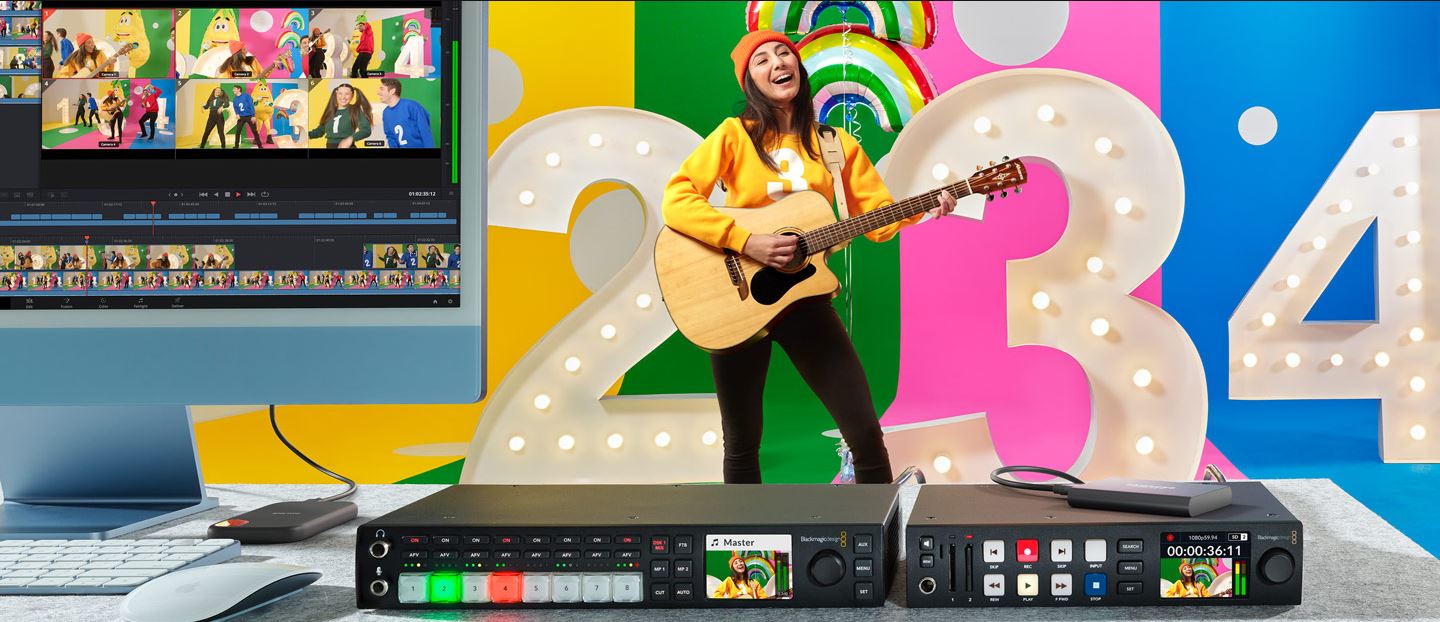 If recording to other types of media is required, the USB-C expansion port allows you to connect an external flash disk for recording. USB-C flash disks have unlimited capacity because they can be physically larger than an SD card or SSD.
Plus, it's even possible to burn to a disc array that you'll use for editing, so you don't have to waste time copying files before starting post-production.
Just move the disc to a computer and start editing instantly!
You can even add a Blackmagic MultiDock 10G with 4 separate SSD media slots, so you can add SSD media compatibility to the HyperDeck Studio Mini and Plus models.
There are also menus to manage external disks on the built-in LCD.
POPULAR ProRes, DNx, H.264 and H.265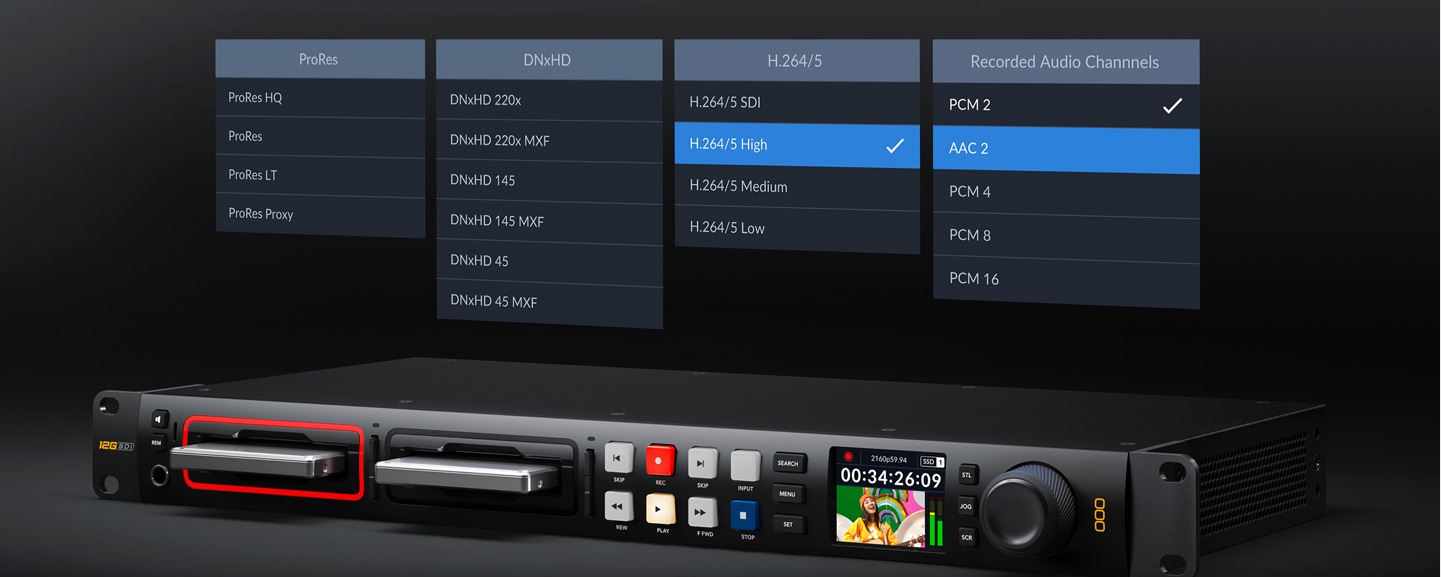
HyperDeck supports the most popular codecs in use today! All models include DNx and ProRes file formats.
However, all models also include H.264 at quality levels up to 10-bit 4:2:2 full when recording in NTSC, PAL, 720p, 1080p, and 1080i true interlaced formats.
The 4K model, on the other hand, adds H.265 when recording in Ultra HD. This means you get compression ratios from 60:1 to 285:1 for very small files with full broadcast quality.
Also, you can choose uncompressed PCM audio or even AAC audio when uploading files to YouTube.
All models support ExFAT and HFS+ disc formats and long-duration single-file recordings.
The Plus and Pro models even support ProRes 4444, allowing for fill and key playback!
ADVANCED TRANSMISSION CONNECTIONS
Depending on the model, HyperDeck Studio features a wide range of video and audio connections, such as 3G-SDI, 6G-SDI, or 12G-SDI.
All models include HDMI for connection to TVs and projectors.
There's even a dedicated SDI monitoring output on the Pro and Plus models with on-screen status.
The Pro and Plus models include two SDI outputs so you can play ProRes 4444 files, allowing simultaneous fill and key output for typing into live production switchers.
Internal timecode and reference generator connections can be looped to synchronize multiple units for ISO burning!
The 4K model features 10G Ethernet for lightning-fast network file copying!
All models include lockable AC and DC power!
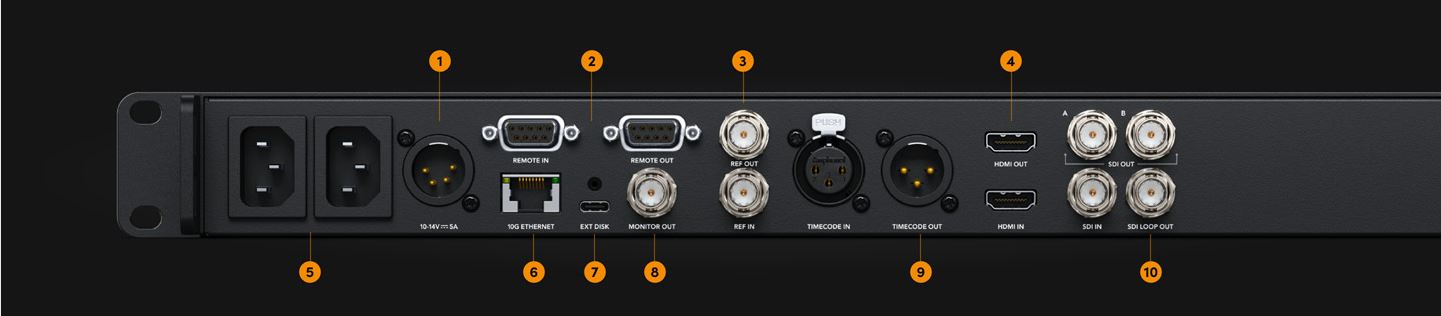
1. DC Power Input: Broadcast-style 4-pin 12V power connection.
2. Remote Input/Output: RS-422 deck control, loops for multiple decks.
3. Input/Output Reference: Built-in sync generator to sync decks.
4. HDMI Input and Output: Record and play back on cameras, projectors, and TVs.
5. AC Power Inputs: Dual 100-240 Vac power for full redundancy.
6. 10G Ethernet: Remote deck control and lightning-fast file transfer!
7. USB-C: Write to external disks or disk arrays.
8. SDI Monitor Out: 3G-SDI monitor output with graphic overlays.
9. Timecode In/Out: Timecode connections from the internal generator.
10. 12G-SDI Video: Supports all formats up to 2160p60 in ProRes, DNx and H.264/5
3G-SDI, 6G-SDI OR 12G-SDI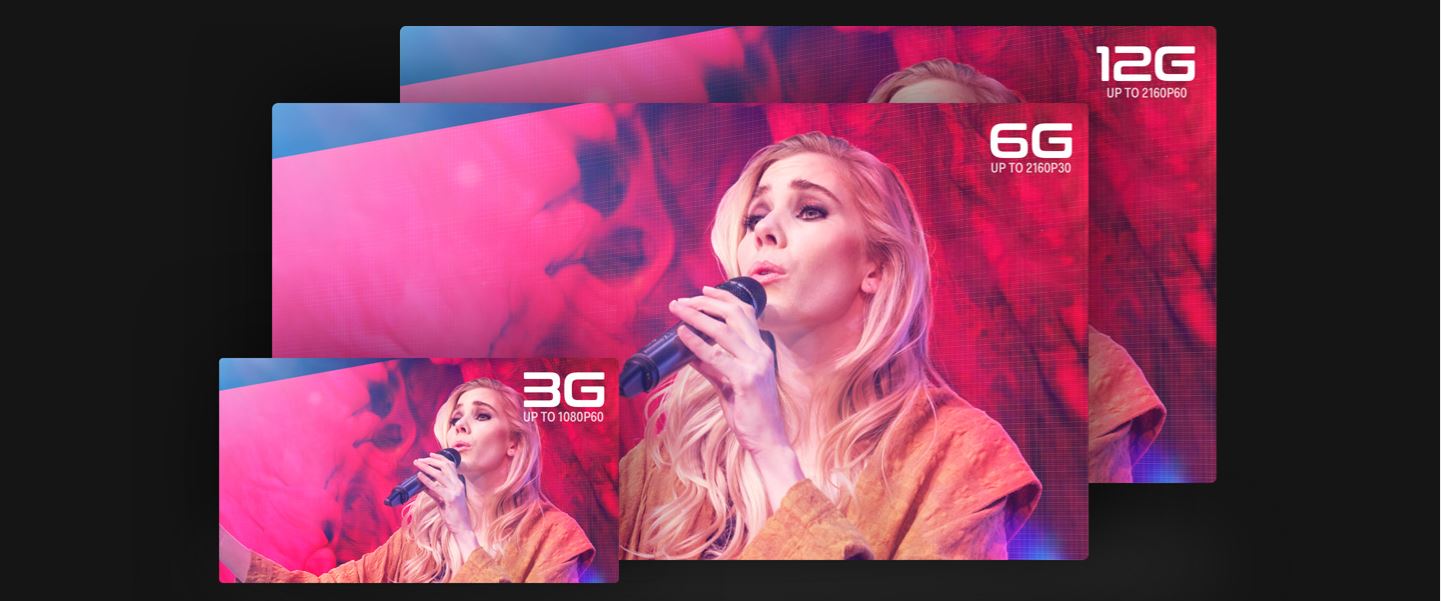 With multi-rate SDI, you get support for the most popular video standards.
SDI and HDMI connections will automatically change video standards, so deal with SD, HD and Ultra HD formats depending on the model.
SD formats include NTSC and PAL. 720p HD standards include 720p50 and 720p59.94p.
Interlaced 1080i HD formats include 1080i50 and 1080i59.94.
1080p HD formats include 1080p23.98, 24, 25, 29.97, 30, 50, 59.94, and 60p. HyperDeck can even support 1080 PsF formats!
In the 4K model, Ultra HD formats up to 2160p60 are supported.
Additionally, the 4K model supports DCI 2K and 4K rates up to 30p.
HyperDeck Studio also supports levels A and B when running HD video at 3G-SDI rates.
USB WEBCAM OUTPUT FOR VIDEO SOFTWARE
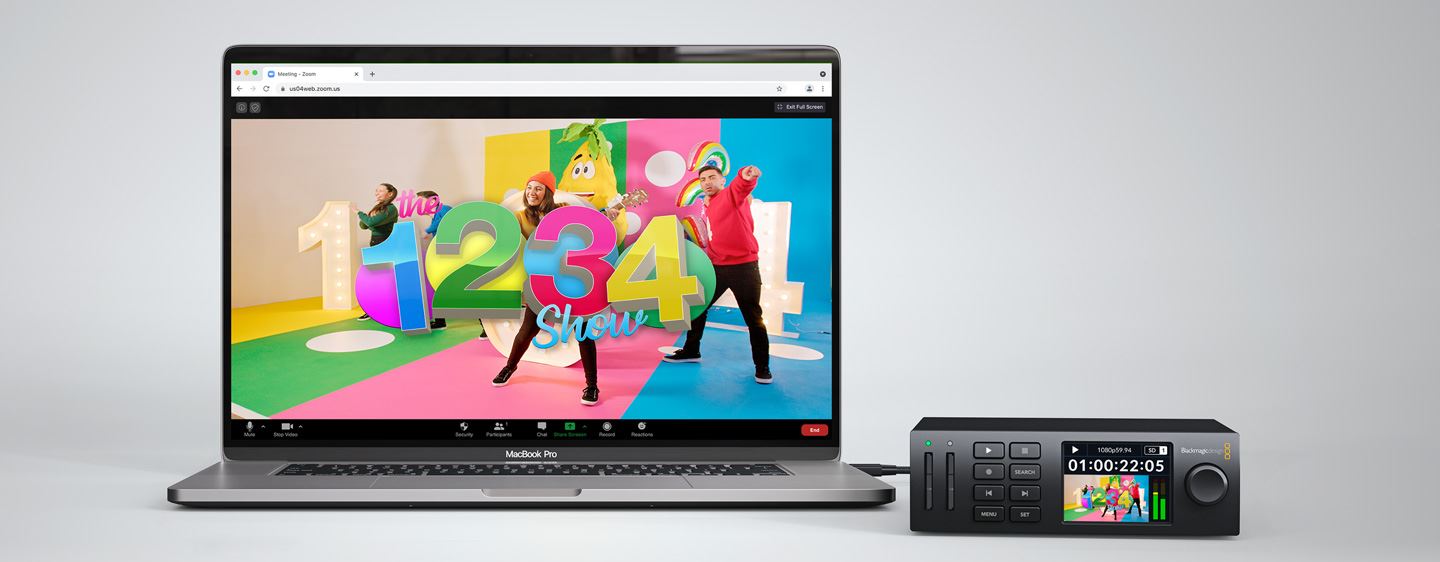 For compatibility with a wide range of computer software, HyperDeck Studio offers webcam support using the USB connection.
If you're not recording to an external USB disk, you can plug the HyperDeck's USB connection directly into a computer to get live video in any video software. The computer is tricked into thinking that the HyperDeck is an ordinary webcam, but it's actually a broadcast-quality video source!
This ensures full compatibility with any video software and full resolution HD 1080 quality.
HyperDeck Studio's USB webcam feature works with any video software, including Zoom, Microsoft Teams, and Skype, or go live streaming with Open Broadcaster, XSplit Broadcaster, and more!
BROADCAST DECK CONTROL RS-422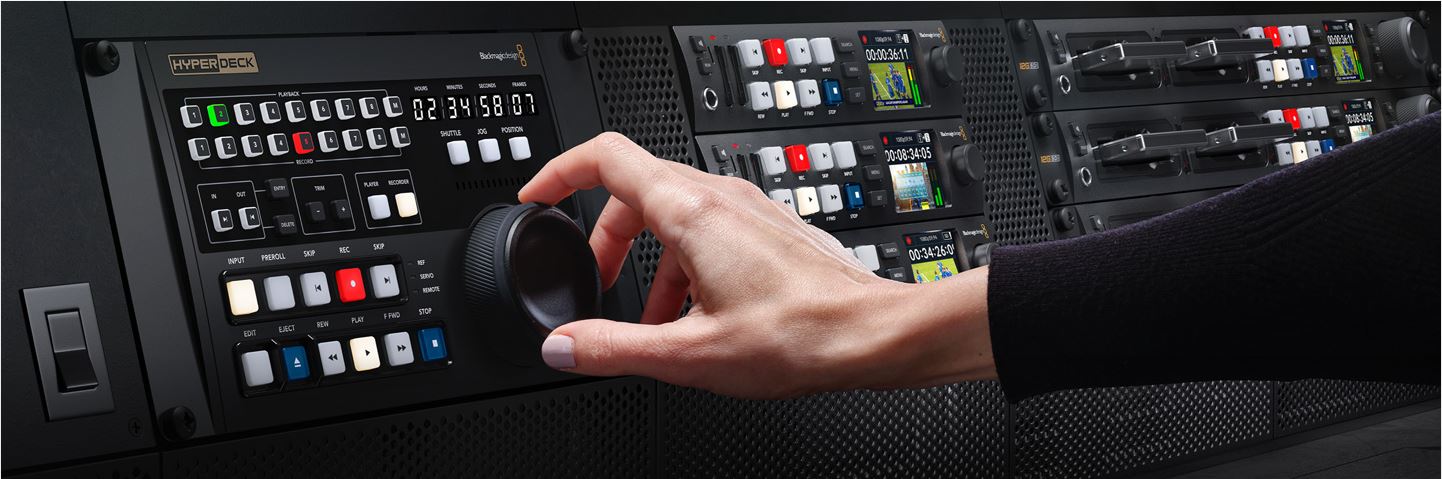
The most popular control connection used on broadcast decks since the early 1980s is the RS-422 protocol.
Originally developed by Sony, RS-422 is used in almost all broadcasting equipment.
HyperDeck Studio offers extensive protocol support so you can connect it directly to broadcast systems.
It also supports extra commands for the Advanced Media Protocol to manage disc writers.
When designing RS-422 control solutions, you'll know you're connected to a HyperDeck Studio when you see the ID 0xF0E0 at 30/60p, 0xF1E0 at 25/50p, or 0xF2E0 at 24p.
The full set of remote controls support is included in the instruction manual.
TIMECODE AND BUILT-IN SYNC GENERATORS
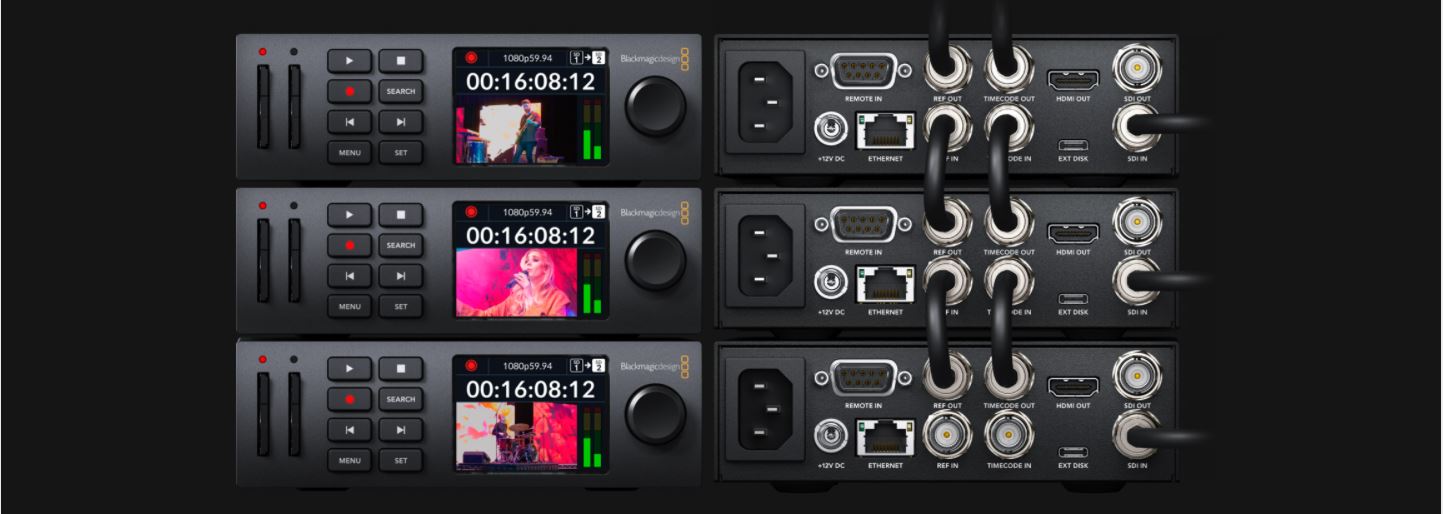
With a timecode and sync generator built into all models, you can stack multiple units for digital signage or multi-channel recording.
Each HyperDeck has dedicated outputs for reference and timecode, direct from internal synchronization and timecode generators.
Generators "run free" unless the reference or timecode is connected to the inputs, and then the generators will automatically lock.
This means you can loop from HyperDeck to HyperDeck to create perfectly synchronized arrays or recorders.
INCLUDES THE POWER OF BLACKMAGIC OS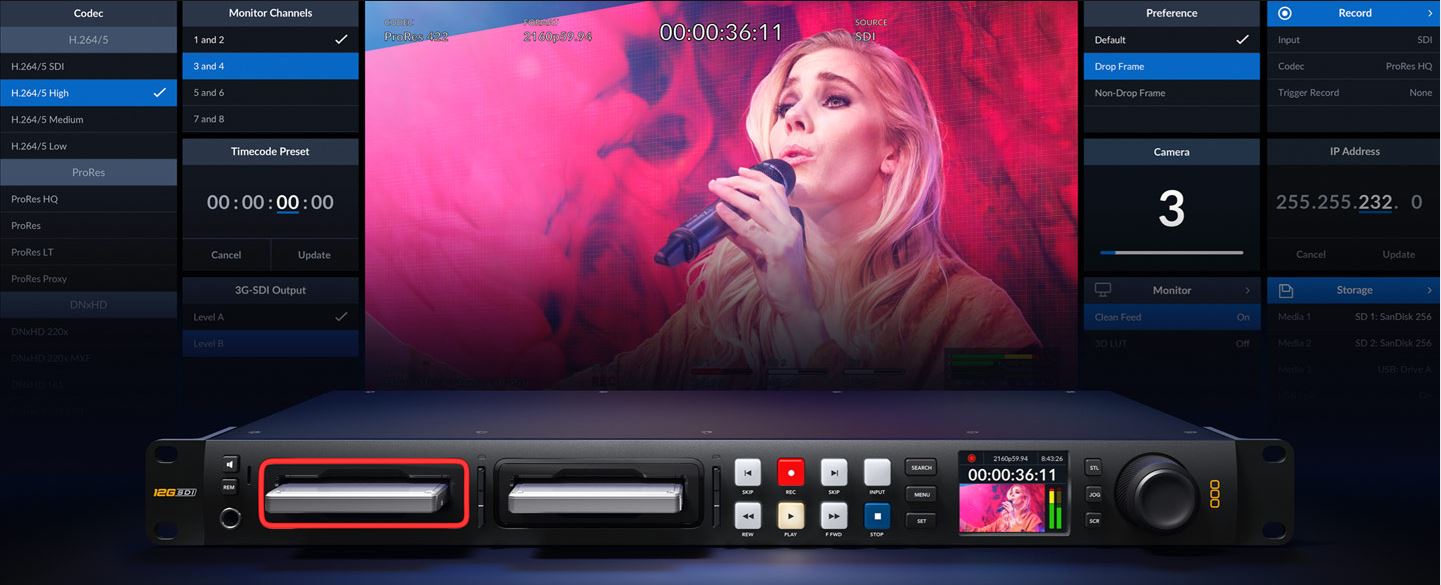 With a timecode and sync generator built into all models, you can stack multiple units for digital signage or multi-channel recording.
Each HyperDeck has dedicated outputs for reference and timecode, direct from internal synchronization and timecode generators.
Generators "run free" unless the reference or timecode is connected to the inputs, and then the generators will automatically lock.
This means you can loop from HyperDeck to HyperDeck to create perfectly synchronized arrays or recorders.
USE ALL VIDEO SOFTWARE AND STREAMING SITES
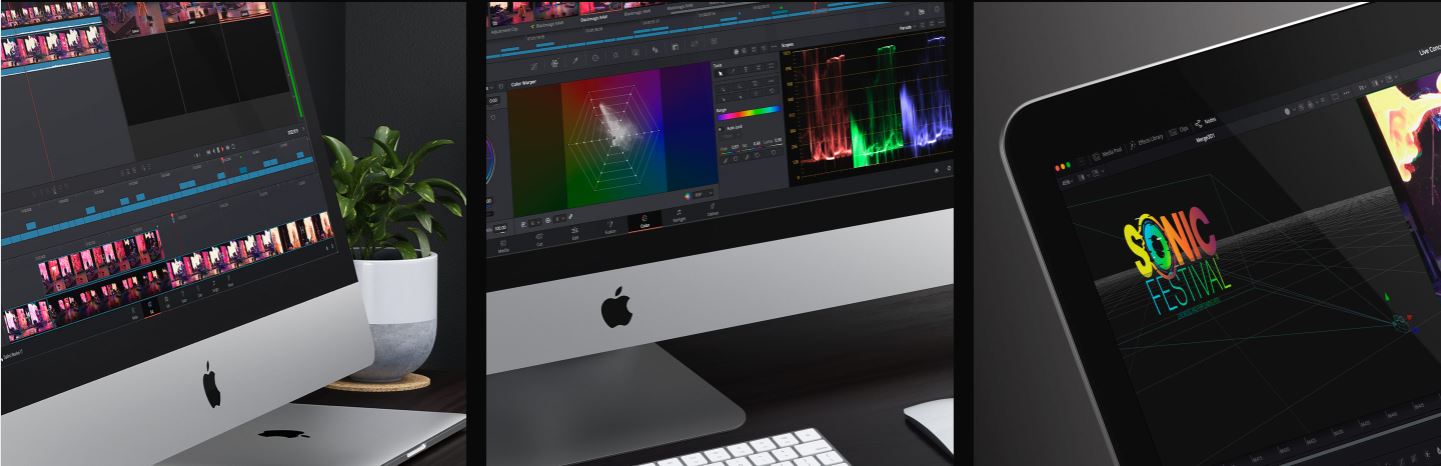
HyperDeck Studio writes files that are compatible with virtually all post-production software.
Plus, if you record in H.264, you can upload files from HyperDeck Studio straight to streaming services like YouTube, Facebook, Vimeo, Twitter, and more!
You can use popular editing software such as DaVinci Resolve, Apple Final Cut Pro, Adobe Premiere Pro, or Avid Media Composer because HyperDeck uses the same file formats used in post-production.
Even VFX software like Fusion and Adobe After Effects work with the files!
Because HyperDeck writes to formatted discs on computers, you can simply mount the disc on any computer and start editing without the need to transcode or convert the files.
DESIGNED FOR RACK MOUNT OR LAPTOP USE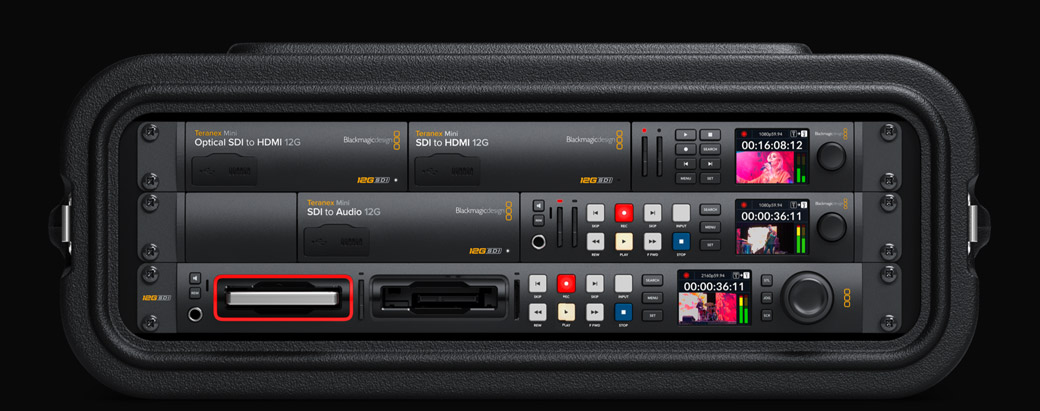 When you need a portable broadcast solution, the HyperDeck Studio HD Mini model packs most of the miniaturized features into a sleek 5-inch-wide compact design that's only one-third of a rack-unit wide.
This means you can fit 3 recorders in a single rack unit!
Simply use the optional Teranex Mini Rack shelf and you can mount the 3 units side by side and then screw them into a standard equipment rack.
Or you can combine HyperDeck Studio Mini with other modules, such as a Teranex Mini Analog to 12G SDI to convert the input from analog to SDI, all in the same rack that's perfect for archival work.
HyperDeck Studio HD Mini looks great when it's not mounted in a rack and is simply used on its own on a desk!
COMPATIBLE WITH SWITCHERS, DISK DOCKS, AND CAMERAS
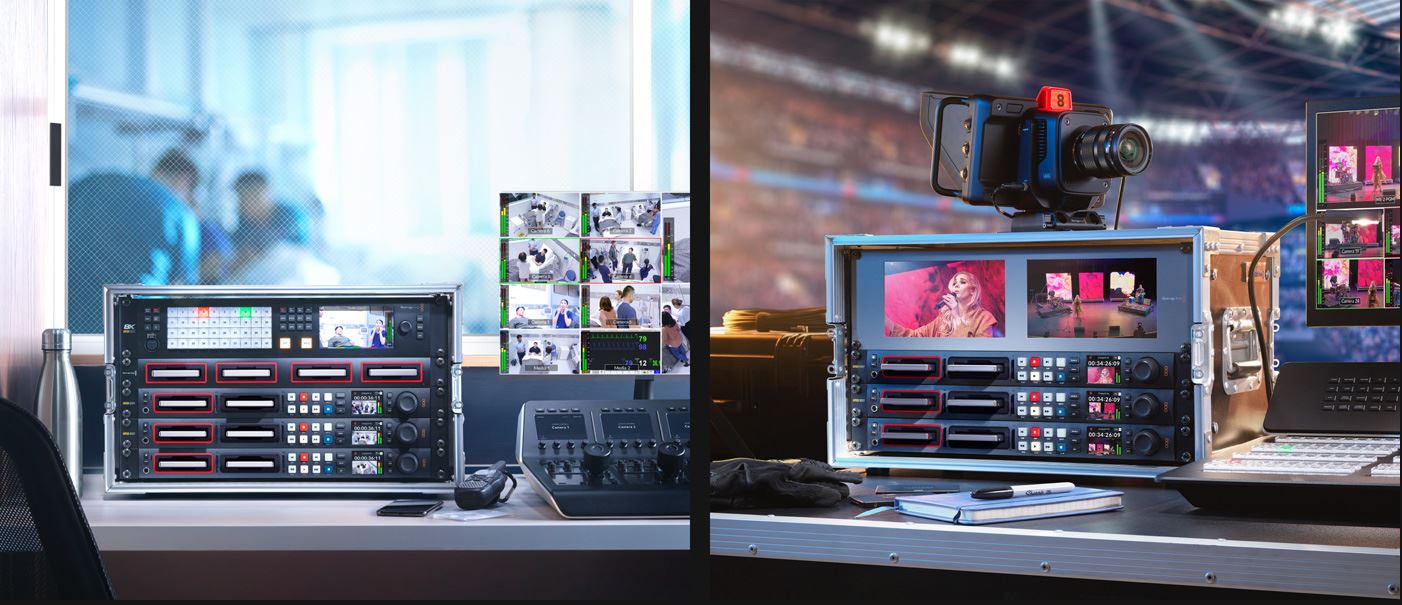
There's a wide variety of Blackmagic Design products you can use with HyperDeck, including switchers, cameras and streaming solutions!
Since the Mini and Plus models don't include SSD slots, you can add a Blackmagic MultiDock 10G to use regular SSDs, allowing compatibility with media from other HyperDeck models. HyperDeck Studio will manage all discs for you and automatically burn them to discs in MultiDock.
You can even use MultiDock with HyperDeck Studio Pro models just to add extra SSDs for longer recording times!
HyperDeck Studio is also a perfect mastering recorder when used with ATEM switchers, a fill-and-key clip player, or looped switcher inputs for ISO recording.
Box Contents:
1x BLACKMAGIC Hyperdeck Studio HD Pro
<video>
