


CALIBRITE COLORCHECKER PASSAPORT DUO
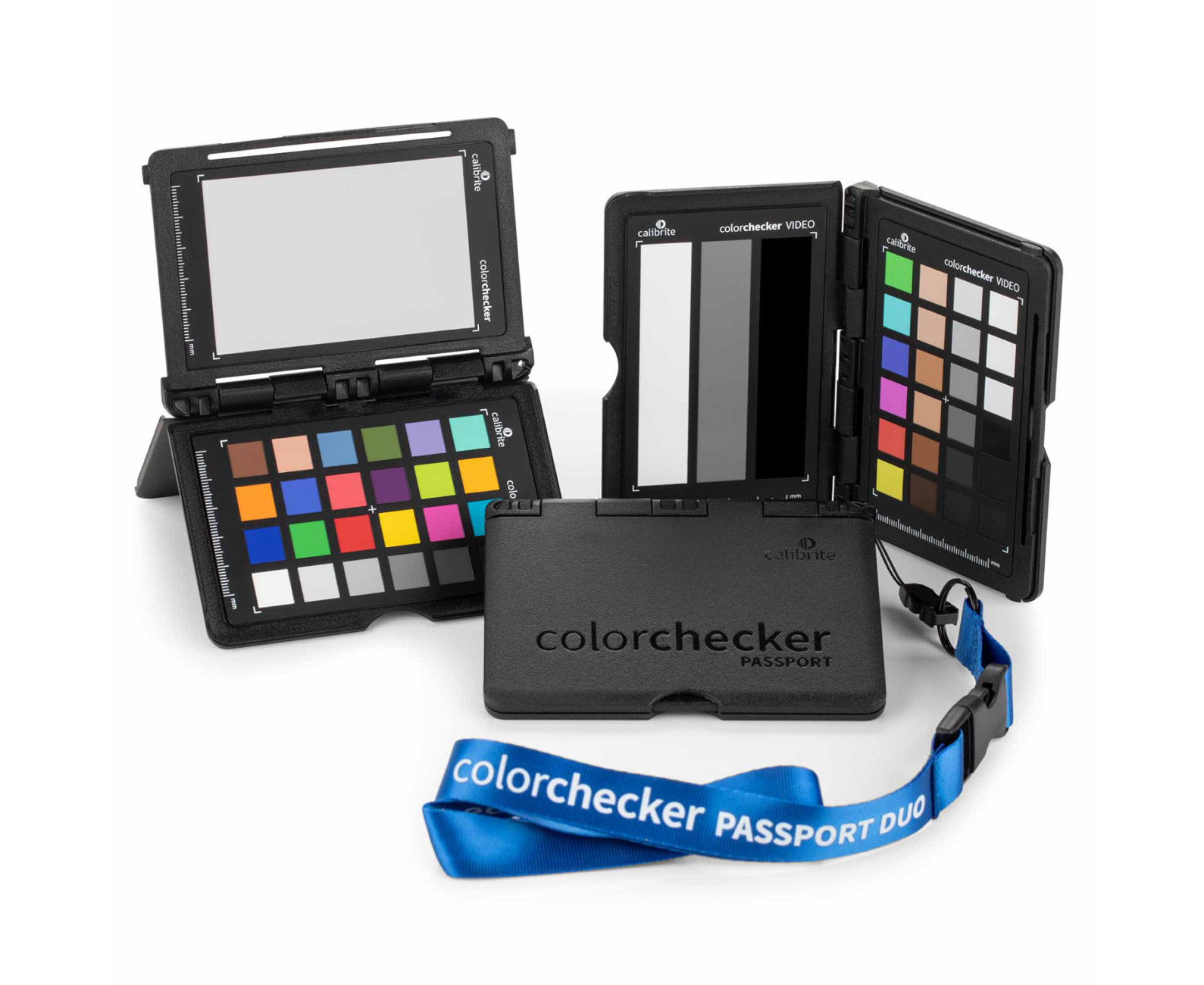
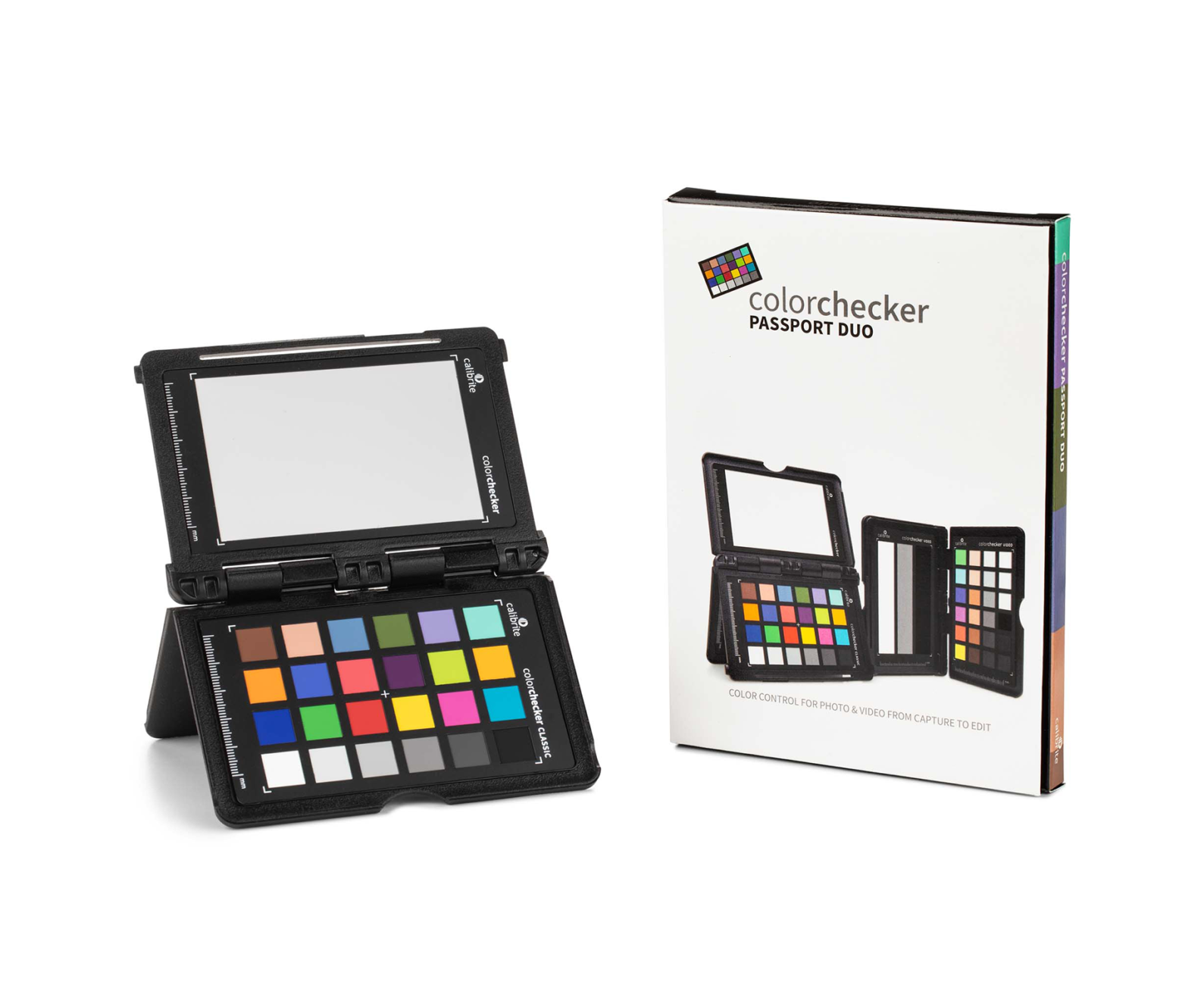
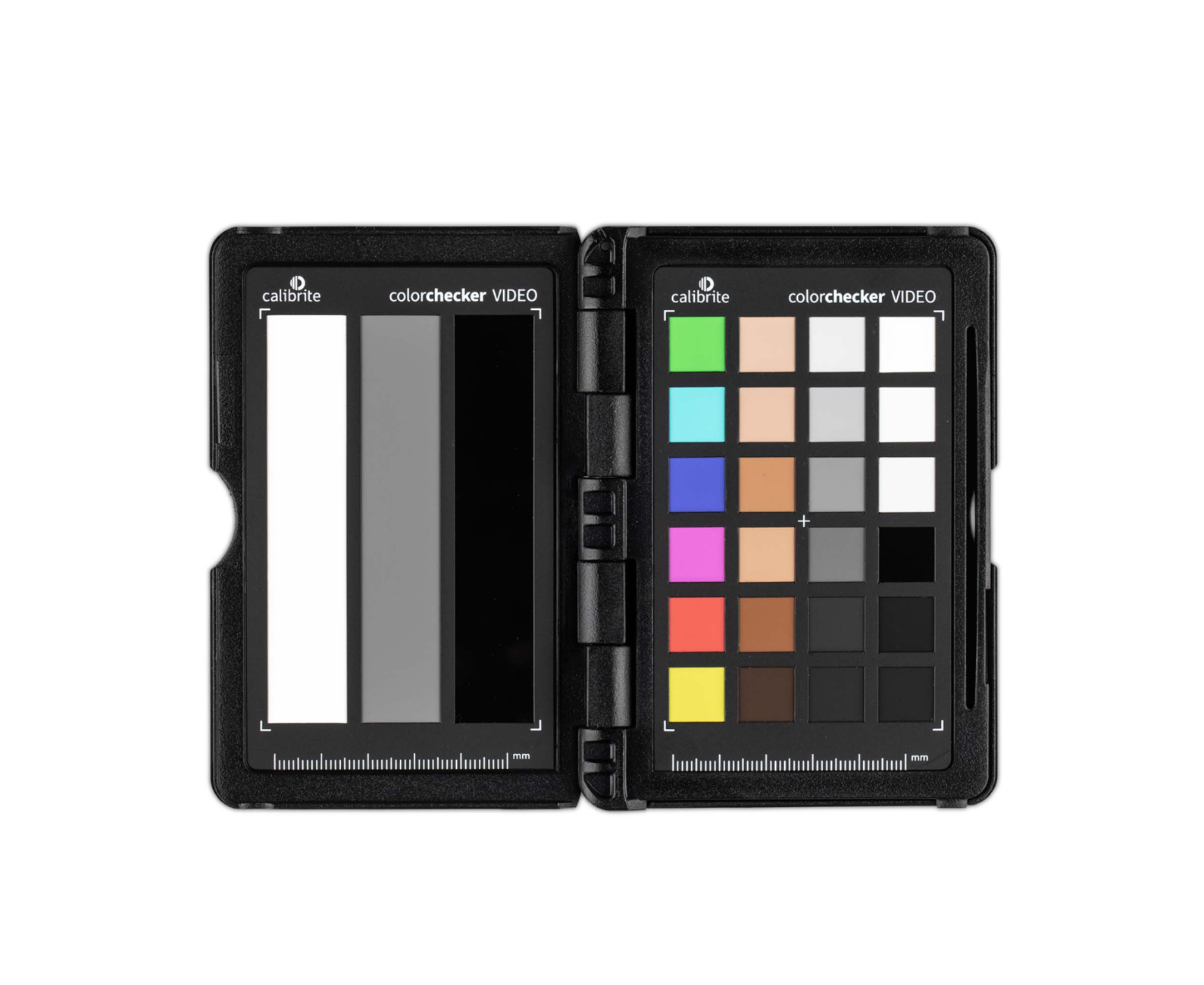
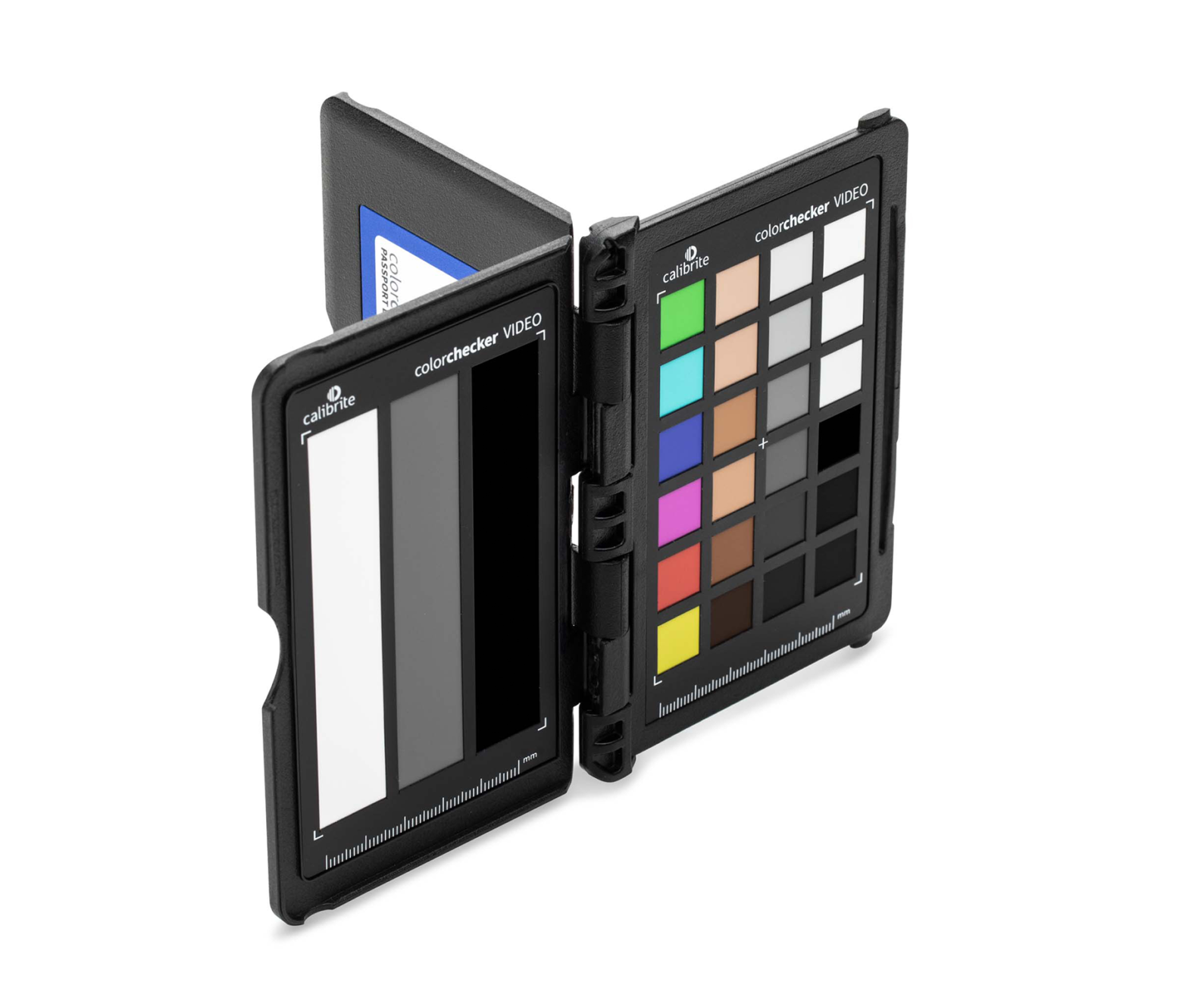
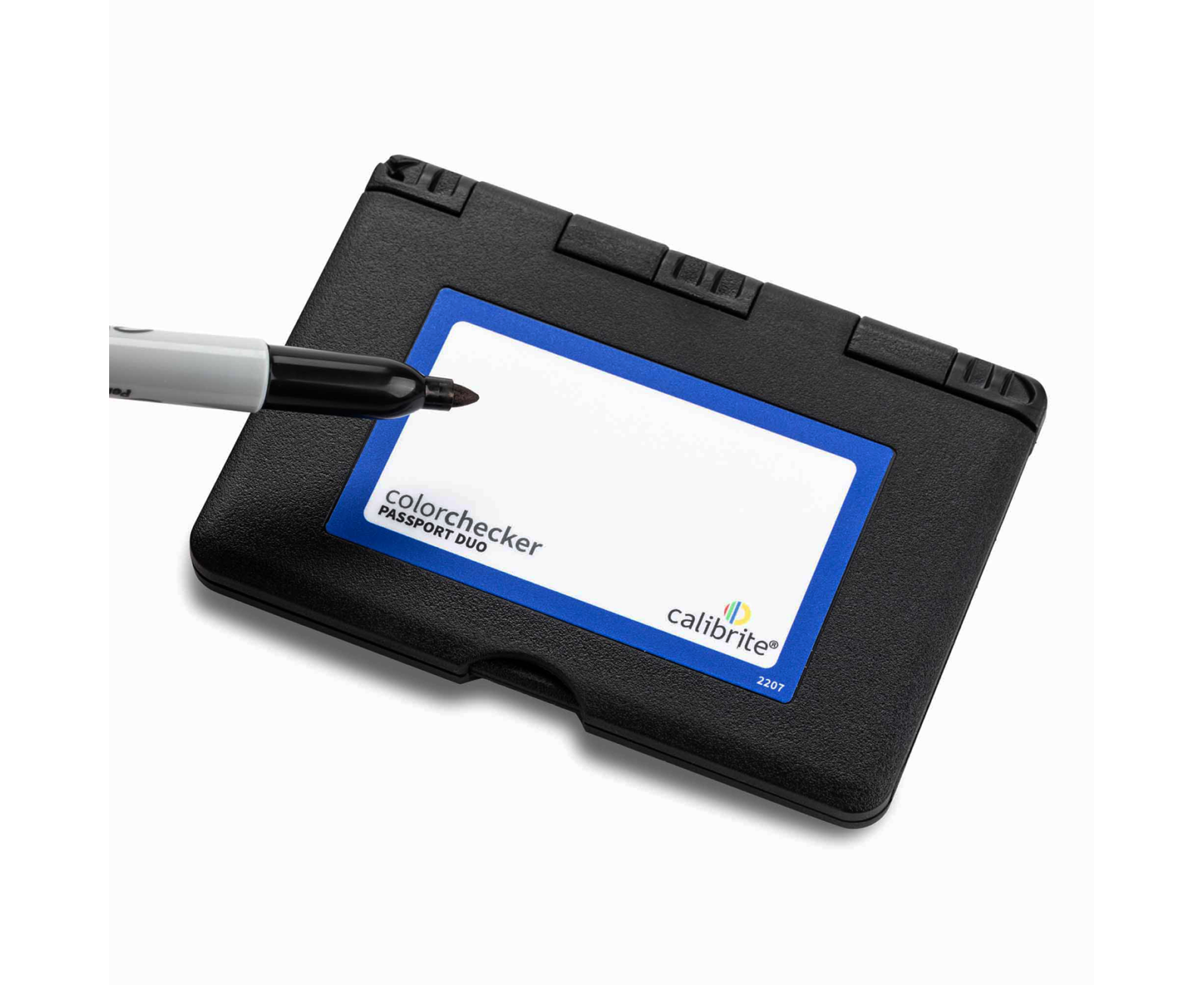
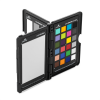
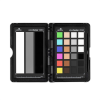
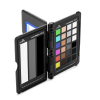
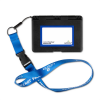
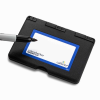
ColorChecker Passport DUO is an indispensable tool that helps you capture the world's colors more accurately, from capture to editing. Start with the most neutral image, even when using multiple cameras, before starting your creative color grading or editing process.
The art of color control is to make colors match from input to output. This means that your camera captures real colors, your monitor displays them accurately, and your printer produces a photo that matches what you see on the screen.
ColorChecker Passport DUO is a powerful, hybrid capture-to-edit solution for any creative looking to save time, providing a consistent and predictable neutral starting point so you can get to the final look faster than ever before. And when used with any Calibrite monitor calibration solution, it will save you time and money, avoiding costly errors and frustrating color corrections. Take DUO on every shoot – indoor or outdoor; It will quickly become your go-to color tool during pre-production, capture, and editing.
Color control for photos and videos, from capture to editing
- Includes ColorChecker Classic 24 patch target for custom camera profiles, white balance target for custom in-camera white balance, and two video targets for in-camera use for camcorders or in post-production video editing software
- An essential tool for any user who requires precise color control when working in mixed lighting conditions when capturing still or moving images
- Perfect for combining multiple cameras, ensuring similar color reproduction
- Included camera calibration software for photo users offers custom DNG or ICC camera profiles for raw images
The ColorChecker Passport DUO includes:
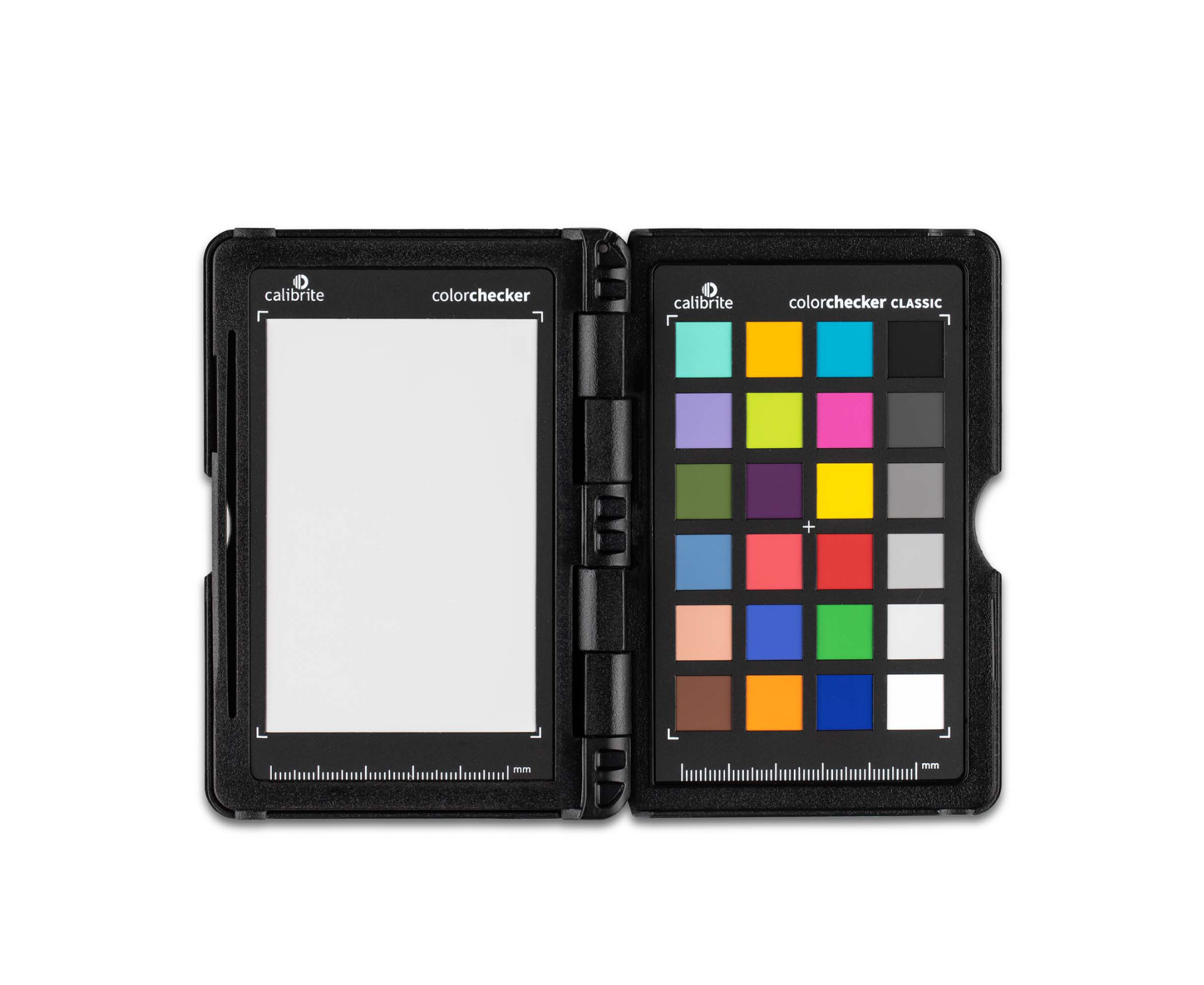
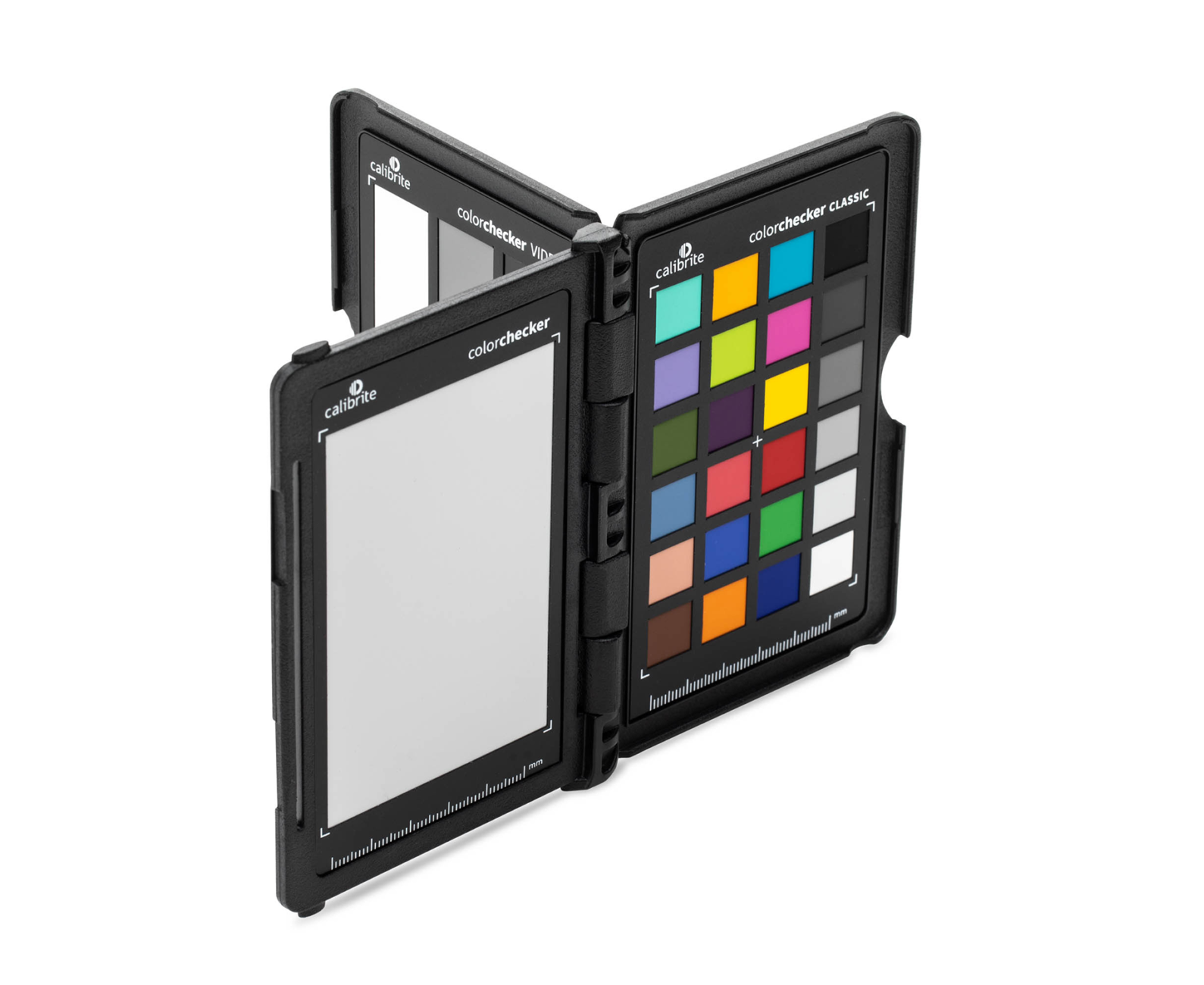
Classic Target
The color reference target of 24 industry-standard ColorChecker Classic patches; to create custom camera profiles and for visual color evaluations.
Shooting the industry-standard ColorChecker Classic is a vital step in achieving consistent, predictable color in capture. When combined with Camera Calibration software, you can produce custom DNG and ICC profiles of your camera's response to scene lighting for consistent, predictable, and repeatable image-to-image and camera-to-camera results.
The classic 24-patch target also provides a visual color reference point to see how the corrections will affect the rest of the colors before applying them. Each of the 24 colored patches represents colors found in the natural world, such as sky blue, skin tones, and leaf green. And each patch reflects light in the same way as its real-world counterpart. They are individually controlled to ensure a Consistent solid to produce pure, flat, rich colors with no dots or shades mixed in.
White Balance Target
Create a custom white balance in the camera to achieve a consistent neutral point across a set of images, without the need to correct each image later. For video, this goal will eliminate the need to color correct each frame later.
Starting with an accurate white balance ensures that the colors captured are accurate and provides a reference point for post-shoot editing. The white balance target is a spectrally neutral target that provides a consistent reference point in mixed lighting conditions that you may encounter during a shoot. Because the target reflects light equally across the visible spectrum, Creating a custom white balance in the camera can compensate for varying lighting.
With this color target, you will be able to:
- Eliminate color casts
- Improve color visualization on your camera screen for more reliable histograms
- Speed up post-production by eliminating the need to color correct each image individually
Note to photographers:
RAW photographers can capture this target at any time during the shoot; JPEG shooters must take their first photo.
"Why can't I use any white object for white balancing?"
White balance on a piece of paper or other white element in the scene may seem like a simple solution, but these objects are not neutral under all lighting conditions and are certainly not consistent.
An inaccurate white balance will result in color casts and a lack of consistency between lighting conditions, making color corrections extremely time-consuming. This will slow down post-processing while trying to correct the resulting color casts.
Video Color Target
It includes six chromatic color chips aligned with video production, six skin tone chips, six gray balance chips, and six highlights and shadows chips (including a high-gloss black) to achieve optimal color balance.
Designed specifically for today's video production workflow, Video Color Target includes four rows of color chips designed for video capture and editing, providing a powerful graphic to accelerate color grading.
-Chromatic colors: six chips specifically designed to align with the color axis in a vectorscope
-Skin tones: ranging from light to dark with subtle undertones
-Linear grayscale: six steps for even gray balance, including highlight and shadow regions
-Highlight Grays and Shadow: Six black-and-white spots, including a high-gloss black, to capture the full range of your camcorder
Grayscale target
An enhanced grayscale to achieve optimal camera exposure for video production, including white, 40IRE gray, and high-gloss black that can act as a black trap when positioned without reflection.
This goal helps to:
- Aligning the exposure and contrast of cameras
- Ensure color is rendered accurately
Camera Calibration Software
Create custom camera profiles based on your individual camera/lens/lighting combinations for DNG and ICC workflows.
Create custom DNG and/or ICC camera profiles using the industry-standard ColorChecker Classic Target 24-patch or ColorChecker Digital SG Target, along with the standalone ColorChecker Camera Calibration software or the Adobe Lightroom® plug-in.
This advanced camera profiling technology delivers excellent results with any reference target, producing profiles that perform exceptionally well in virtually any lighting condition. Auto-detection will locate the target automatically, simplifying the profiling process. Whether shooting with just one camera or multiple cameras, color perfectionists can easily establish an accurate color base and maintain control of their colors.
- Minimize color differences between cameras and lenses
- Adapt for mixed lighting
- Match color balance in different scenes
Lightroom® Plugin
Create custom camera profiles directly in Adobe® Lightroom®.
Third-party software support
Adobe Photoshop and Adobe Lightroom through a free plugin
Hasselblad Focus
DaVinci Resolve Black Magic
3D LUT Creator
DxO Fotolab 4
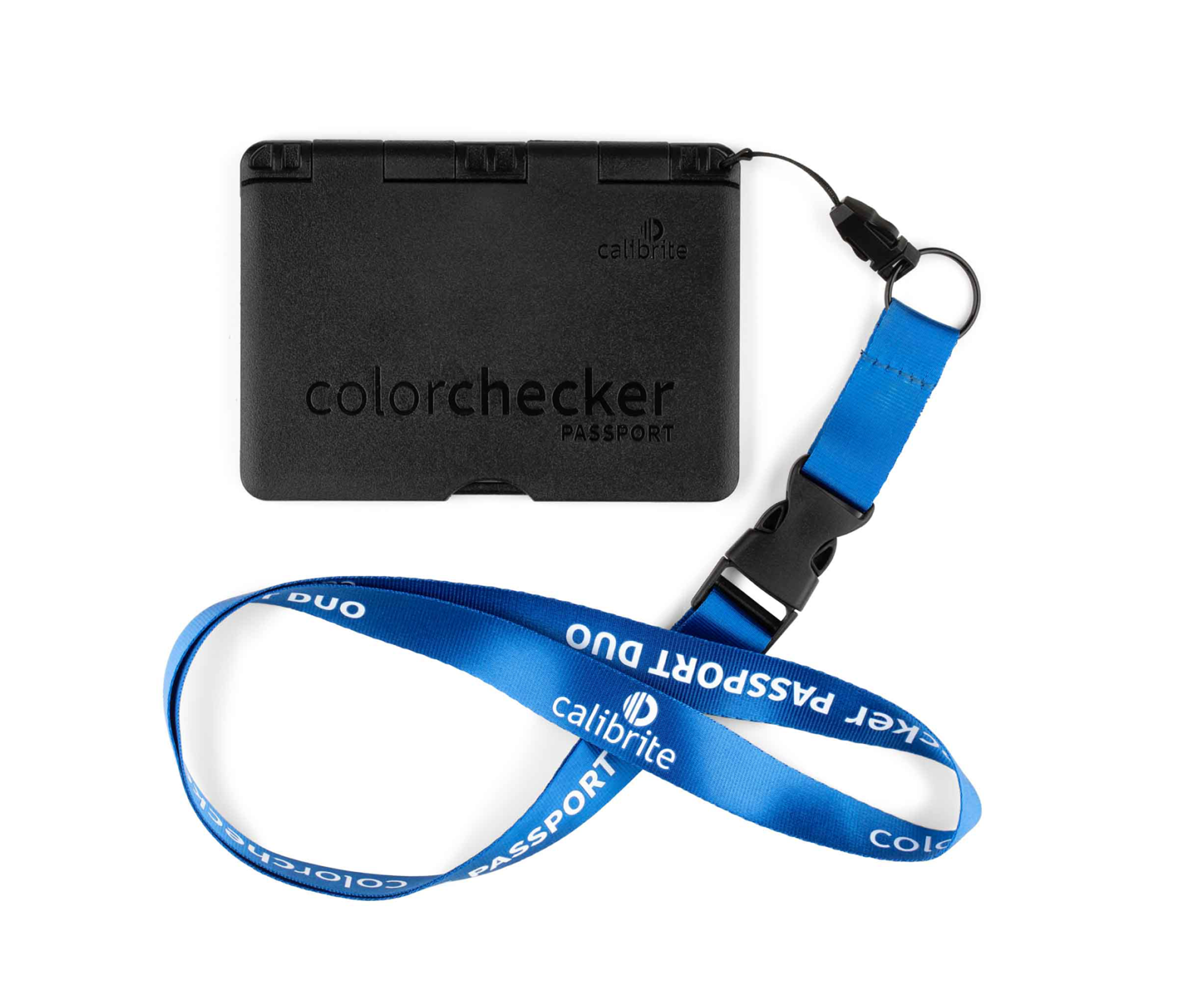
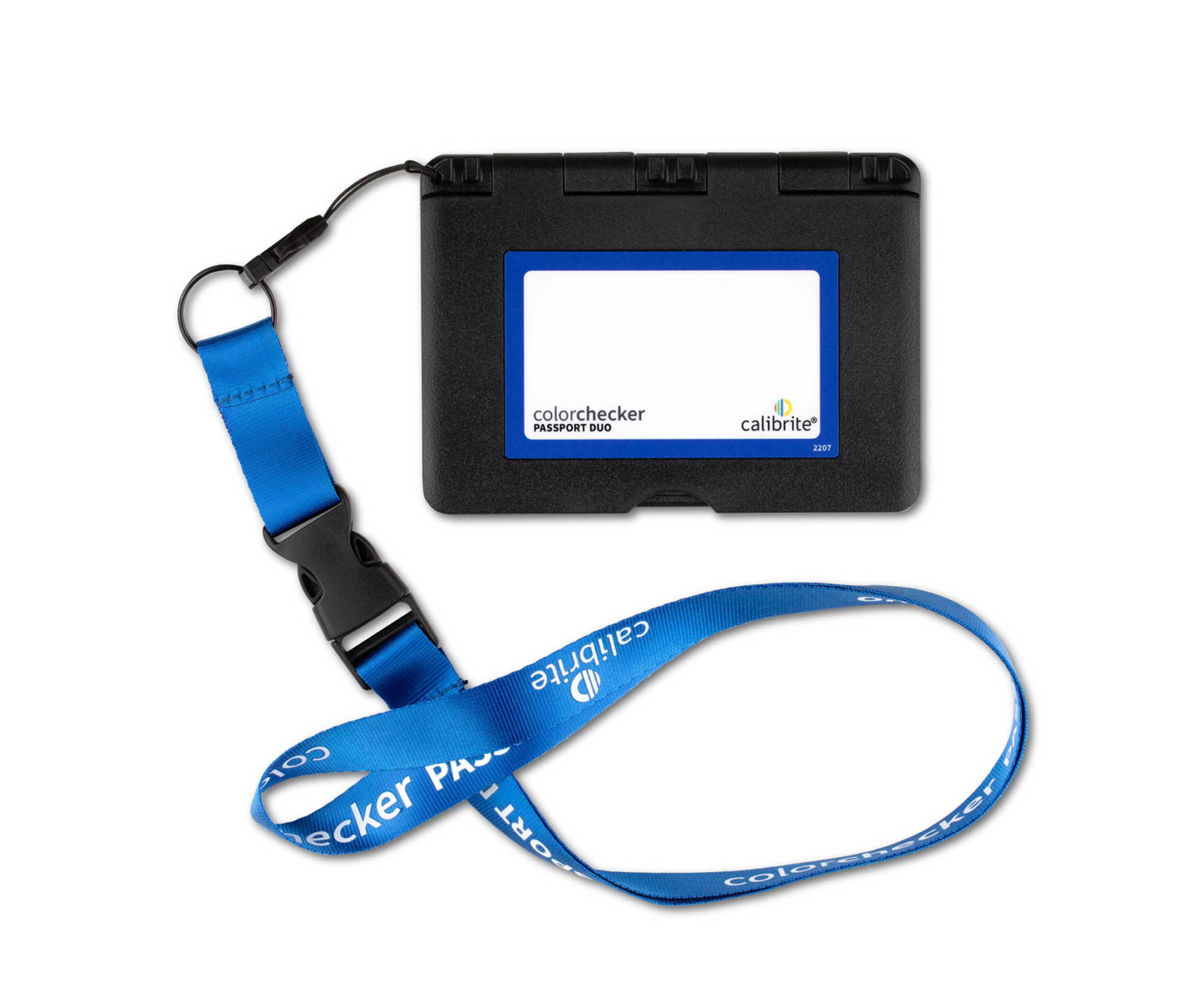
Durable, portable, and protective case
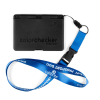
The passport case adjusts to accommodate multiple positions so you can easily incorporate targets into any scene, and it also includes a handy lanyard so your passport is always with you, ready for action
Box Contents:
1x CALIBRITE ColorChecker Passaport Duo