


SAMYANG Dock Upgrade - Mount E
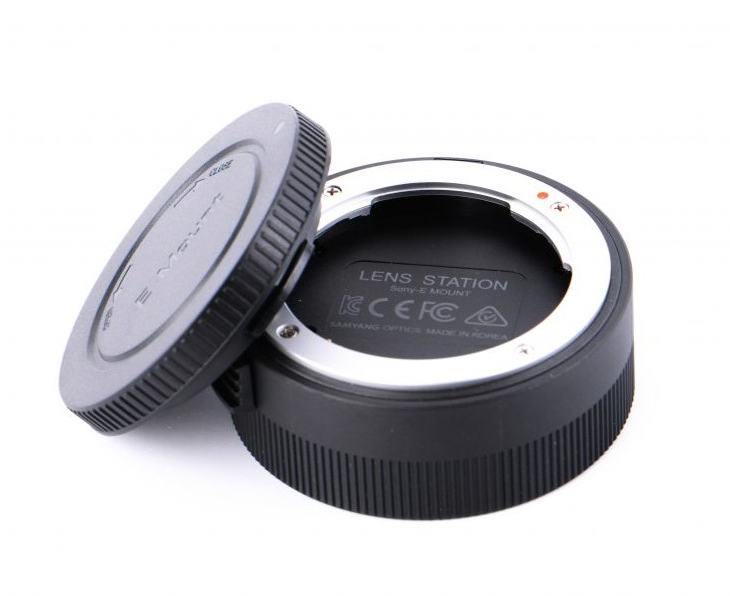
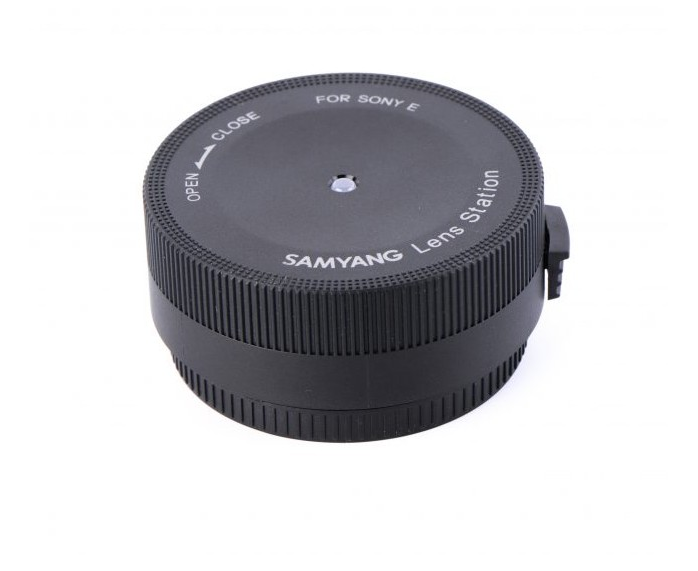

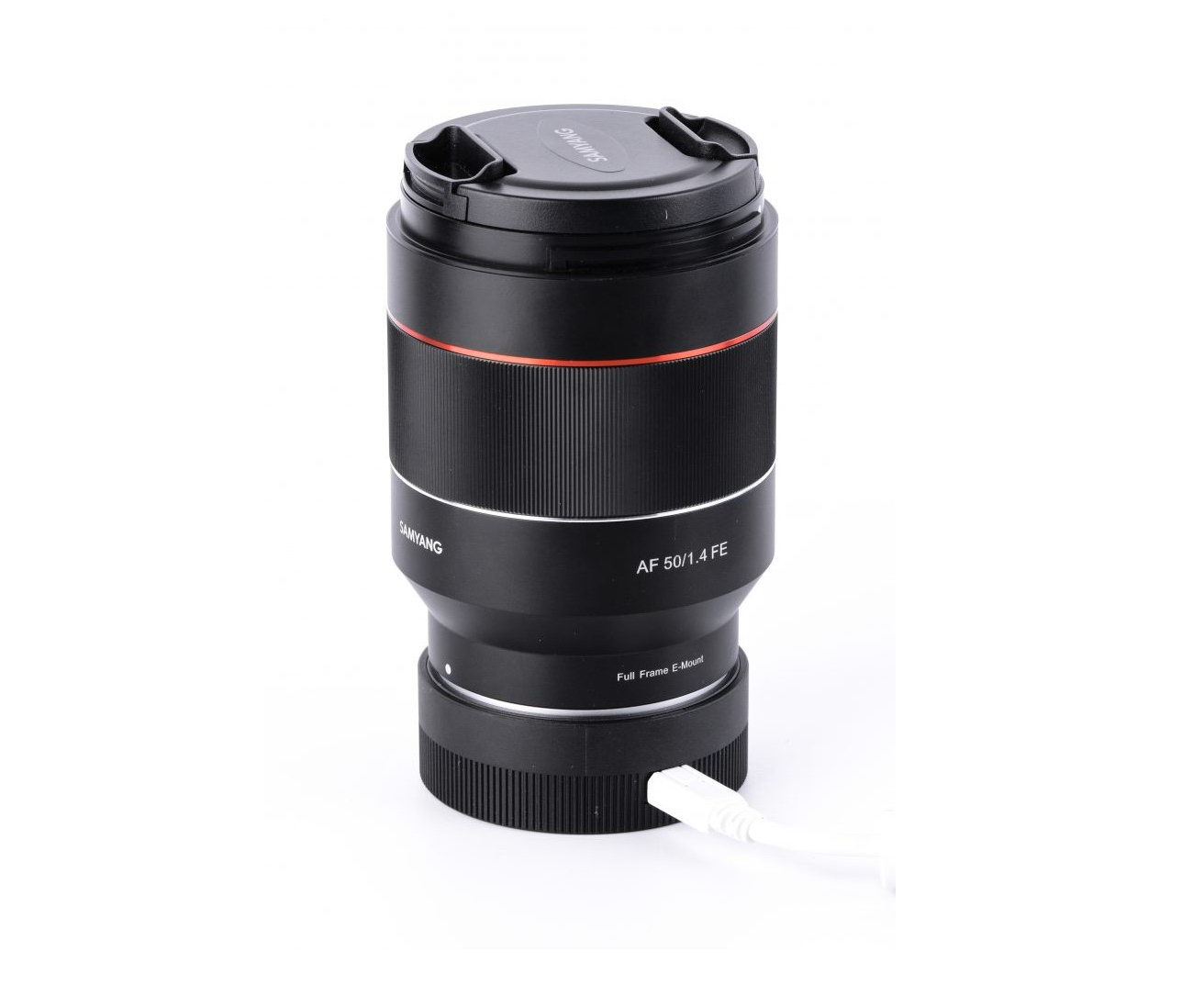



Upgrade Dock is a device to customize the performance of the lens and update the firmware of the Samyang autofocus lens series. Download the 'Lens Manager' software to update the firmware or calibrate the focus and sensitivity of the manual focus.
1) Attach the lens to the Lens Station
the. Remove the body cover from the Update Dock device
b. Combine the red dot on the upgrade dock mount and the white dot on the autofocus lens mount
c. Rotate the lens toward CLOSE until you hear the clicking sound
2) Connect to Lens Station
the. Use a USB cable to connect the update dock and the computer
b. Launch the Lens Manager software and customize the features or update the firmware
* Download Lens Manager
* Firmware Download
3) Remove the lens from the upgrade dock
the. Close the software when the upgrade or customization is complete
b. Remove the USB cable
c. Rotate the lens toward OPEN while pressing the lens release button on the device
To use:
Update Dock, need to install the Lens manager software on your computer. Lens manager software is available for free on Samyang's official website. SAMYANG Lens Manager is only available for Samyang Auto Focus lenses, except Samyang Manual Focus lenses or other brands.
System Requirements:
Windows 7 or higher
Mac OS X 10.10 (Yosemite) or later
RAM memory of at least 1 GB
Min. 1 GB HDD/SSD disk space
1024 x 768 min resolution.
USB 2.0 interface
What's in the box:
1x SAMYANG Dock Upgrade - Mount E
