


INSTA360 Screen Protector for Insta360 Go 3


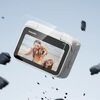
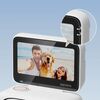
INSTA360 Screen Protector for Insta360 Go 3
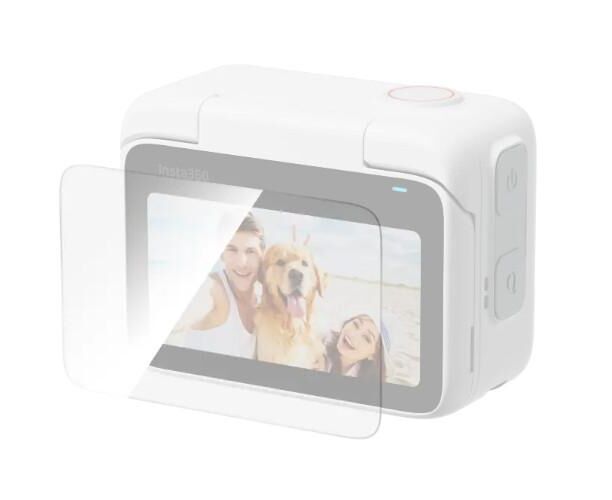
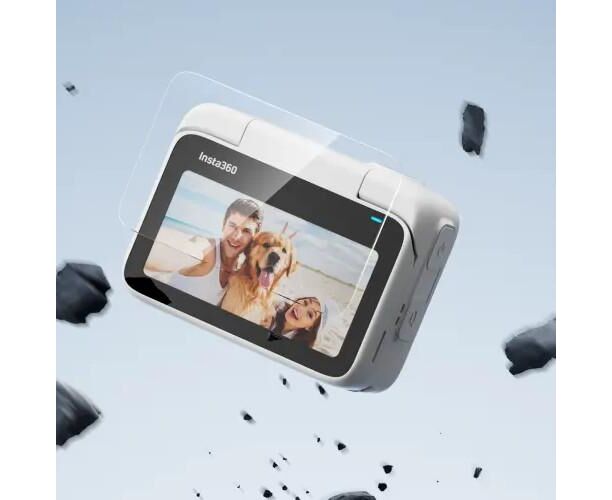
High definition and crystal clear transparency. The tough tempered glass ensures full protection against shocks and scratches.
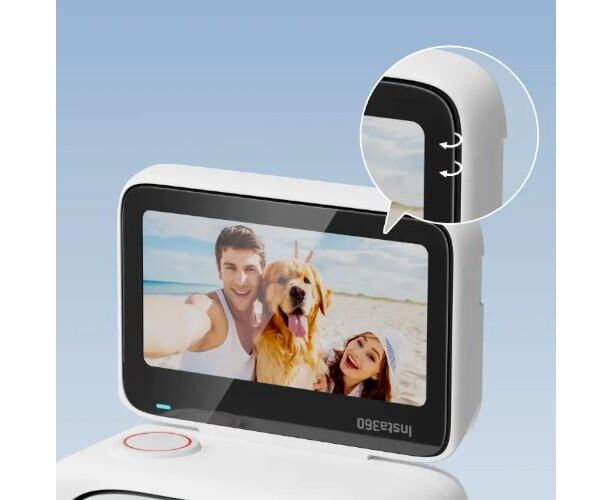
2.5D rounded corners for a smooth feel. Includes a protector application kit for easy installation at home.
Installation
- Cleaning: Clean the Action Pod screen using the screen cleaning wipe and the screen cloth. Use the dust removal sticker to make sure the screen is free of dirt.
- Apply the screen protector: Remove the film from the screen protector. Position the screen protector over the screen. Slowly apply the protector until the screen is covered.
- Remove air bubbles: Scrape the air bubbles from the middle of the screen outwards, then press hard to both sides until the air bubbles are completely removed.
- Remove the remaining film from the screen protector.
Observation
Do not reinstall the same screen protector. Any dust that accumulates on the screen protector can cause air bubbles and reduce grip. If the screen protector moves during installation, use the film removal stick to remove the screen protector and repeat the steps above. Do not completely remove the installed screen protector.
What's in the box:
2 x Screen Protector for Insta360 Go 3
1x Film removal stick
1x Protector application kit (contains: 2x screen cloths, 2x dust removal stickers, 2x screen cleaning wipe)
